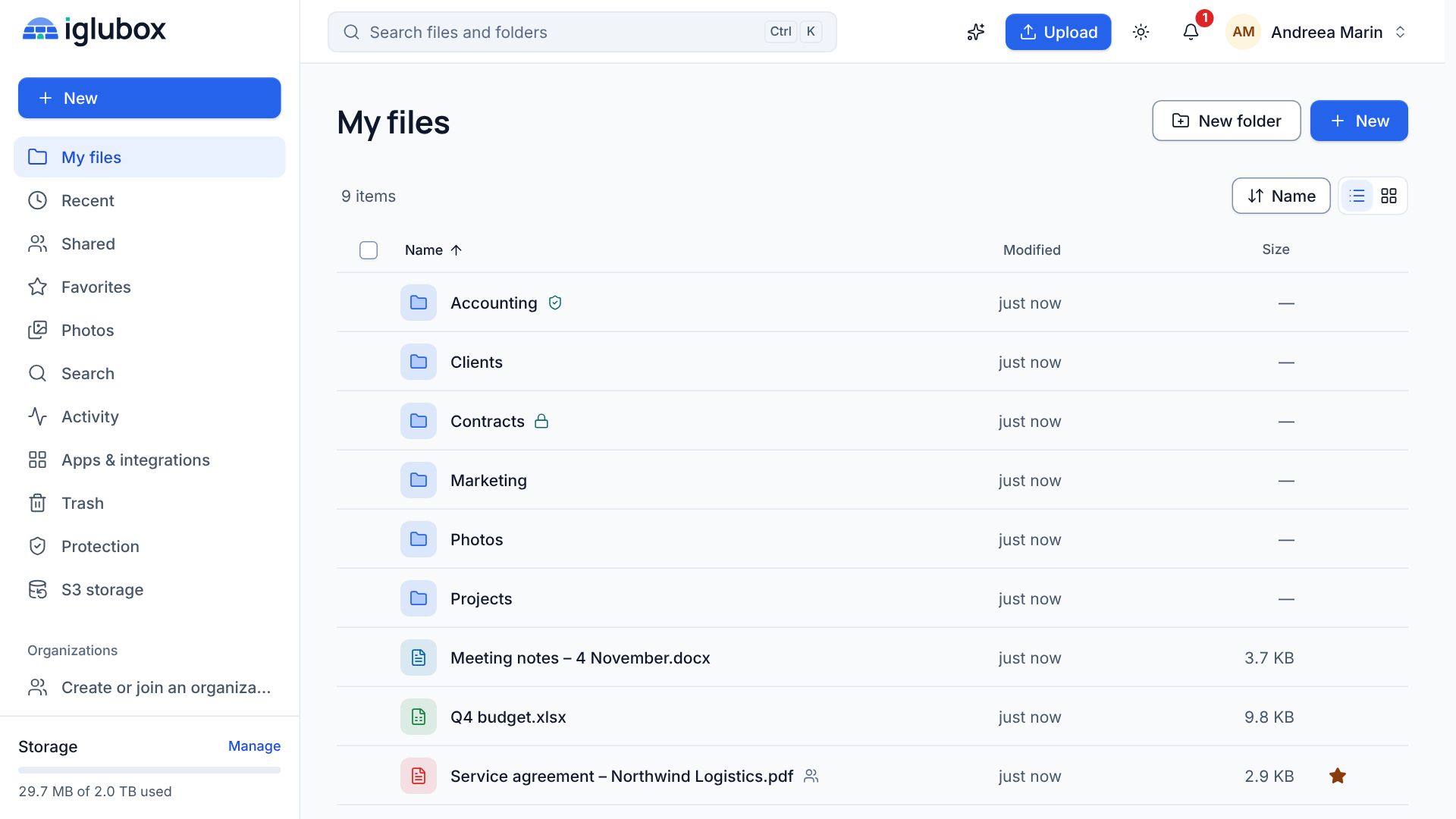
Most of us use cloud storage the same way: put files in, share a few links, and hope the sync never goes wrong. That covers the easy part. It leaves three jobs to other tools, or to nobody.
Job one: getting answers out of your files
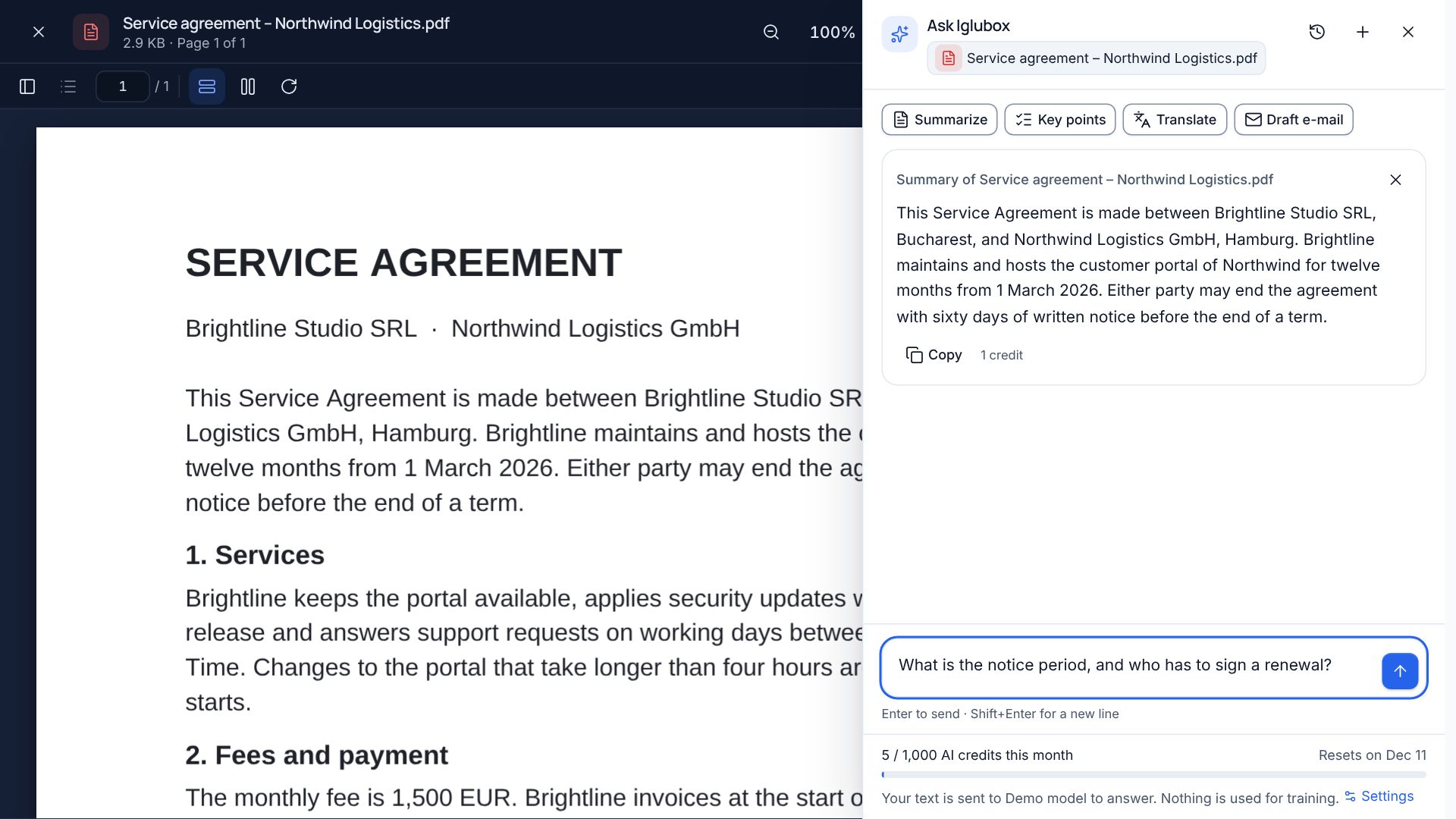
The documents we keep are full of answers we need now and then: a deadline in a contract, an amount in an invoice, a setting in a manual. Searching by file name rarely finds them.
So Iglubox has an assistant that reads with you. Ask a question about a file and the answer comes with numbered citations that open the document at the right page. Search by meaning finds files by what they say, not by what they are called. Summaries, translations and first drafts of documents and spreadsheets are a click away.
We were strict about two things. Your files are never used to train models, and every answer points to its source, because an answer you cannot check is not worth much. The assistant can work with providers such as OpenAI and Anthropic, or with a model on a server of our own, and the panel always names the one that answers.
Job two: surviving ransomware
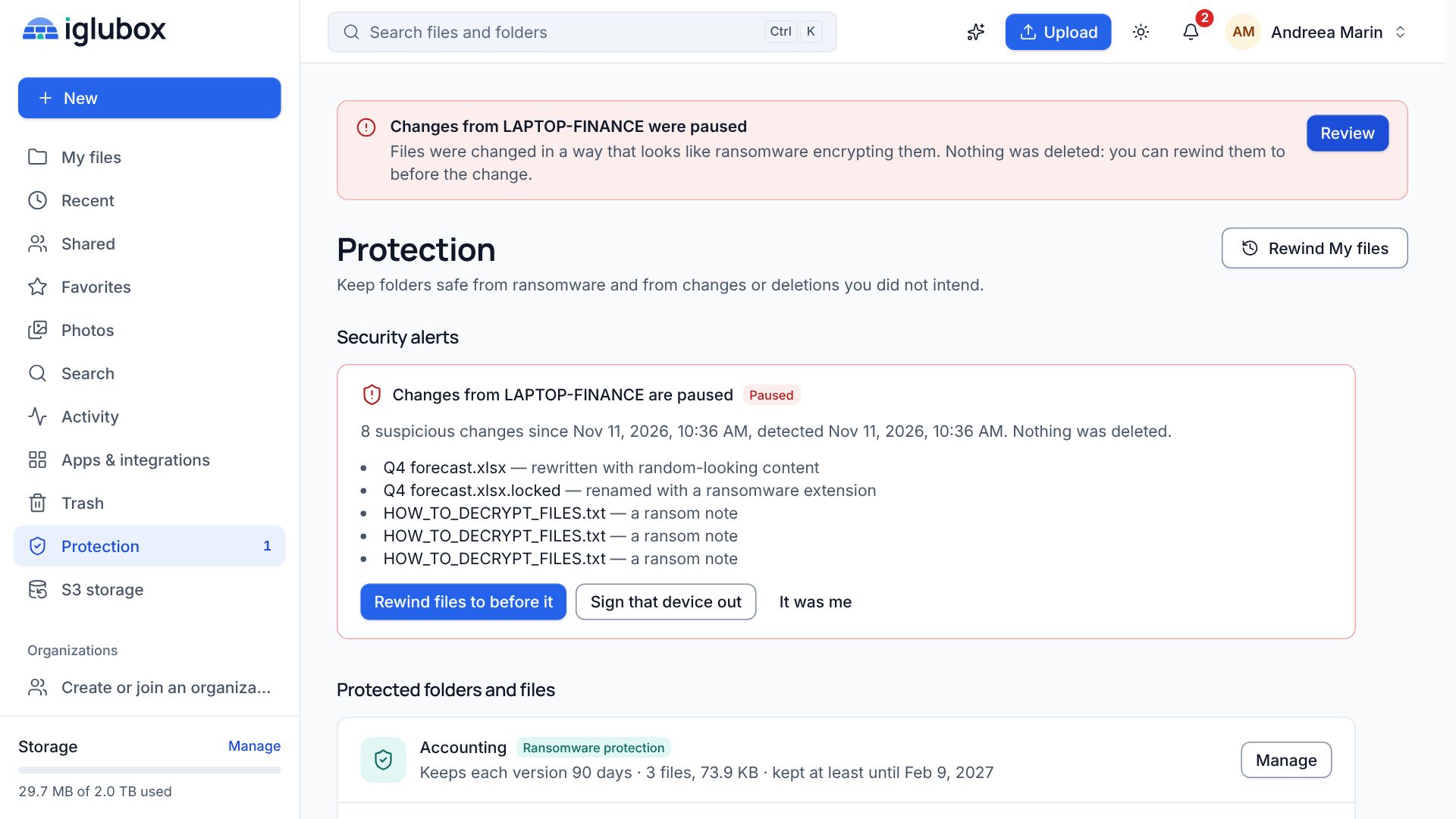
Sync is honest to a fault. When a computer starts encrypting its files, a plain sync app uploads the damage as faithfully as it uploads your edits. We think protection belongs on the server, out of reach of whatever runs on an infected device.
Iglubox watches for what ransomware does, pauses the device that does it, tells you, and lets you rewind. Folders you protect keep every version and every deleted file for as long as you choose, and write-once folders cannot be changed at all until their date. Anything that would weaken a protection asks for a code from your authenticator app.
Job three: keeping server backups somewhere safe
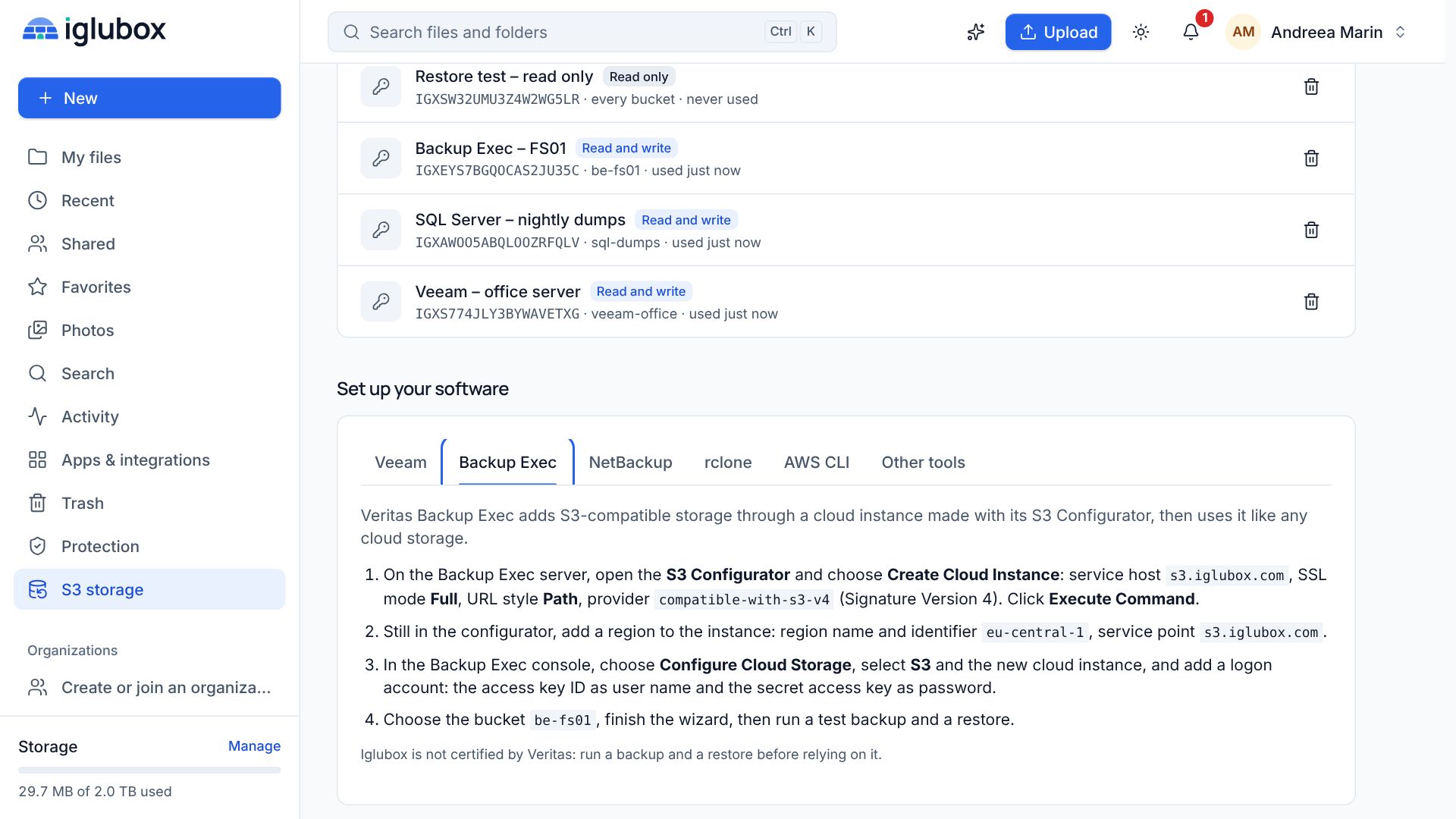
Companies back up their servers with programs like Veeam Backup & Replication and Veritas Backup Exec, and those programs want object storage that speaks the S3 API. Usually that means a second provider, a second bill and a second set of passwords.
Your Iglubox account is also S3-compatible storage. Create a bucket with Object Lock, give the endpoint and an access key to your backup software, and every backup it writes is encrypted, counted in the same storage, and locked until its date.
The same care underneath
All three sit on the same foundation: files encrypted with AES-256-GCM before they are stored, fingerprints that are checked again over time, two-step verification, and apps for the web, Windows, Linux and Android. We also write down what we do not do, as plainly as what we do. The security page says, for example, that files are not end-to-end encrypted, and why.
If that sounds like the storage you were looking for, have a look at the plans and try it with your own files.