Many of us now do part of our work in an AI assistant: drafting, summarising, comparing. The files that work is about live somewhere else, so we upload them into the chat one by one, and download the result to put it back. It works, and it leaves copies of our documents in places we do not look at again.
Iglubox 1.11 offers another way: connect the assistant to your account. It then finds and reads the files it needs where they are, and saves what it writes next to them.
The connection uses the Model Context Protocol (MCP), the open standard that Claude, ChatGPT and other assistants use to reach services. Iglubox has an address for it, shown under Settings → Connected apps with the steps for adding it in each assistant.
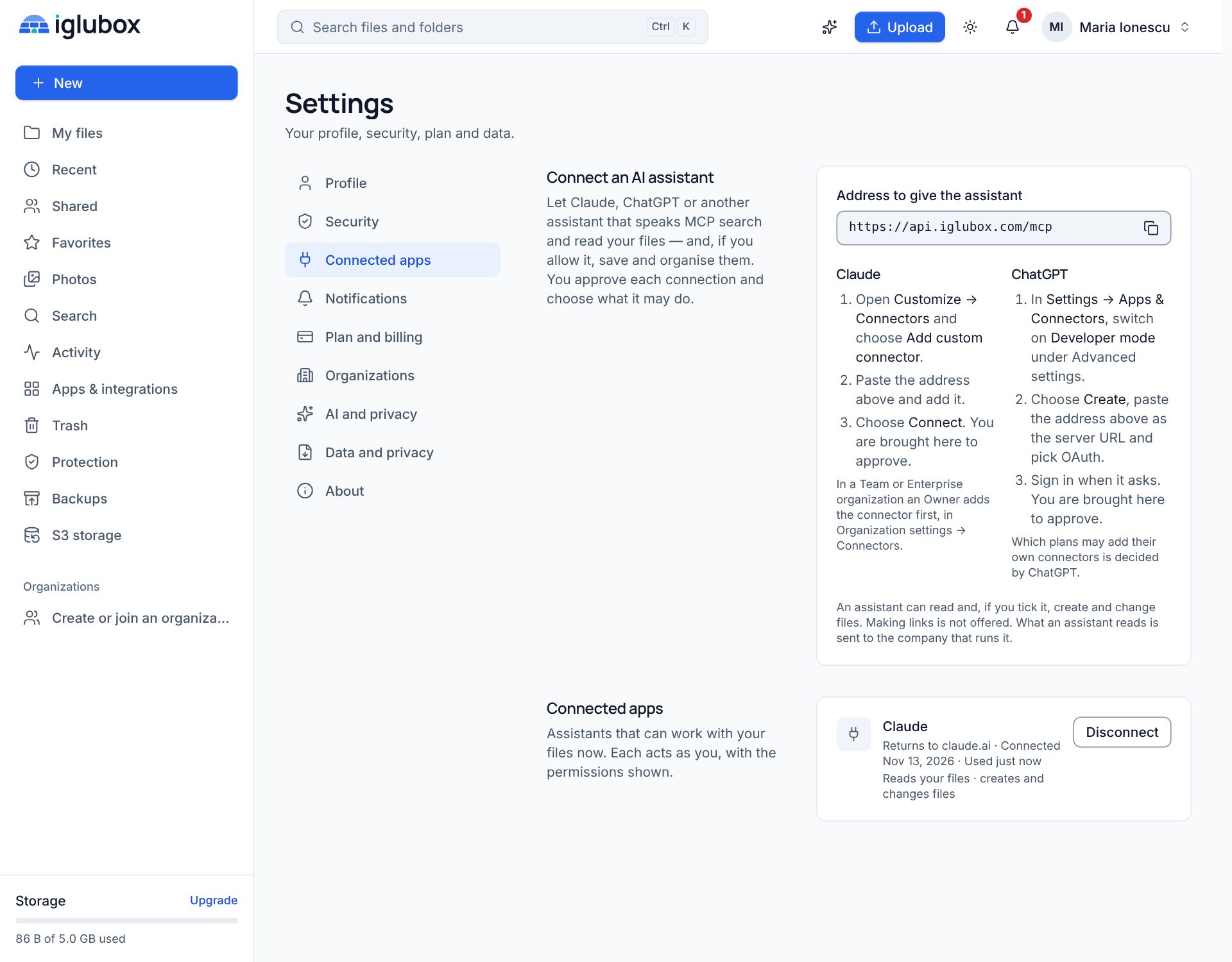
The pictures are from the product. The app in them is a test app that calls itself Claude; the steps shown for each assistant are the ones its maker published in November 2026 and may change.
You approve it, on a page of Iglubox
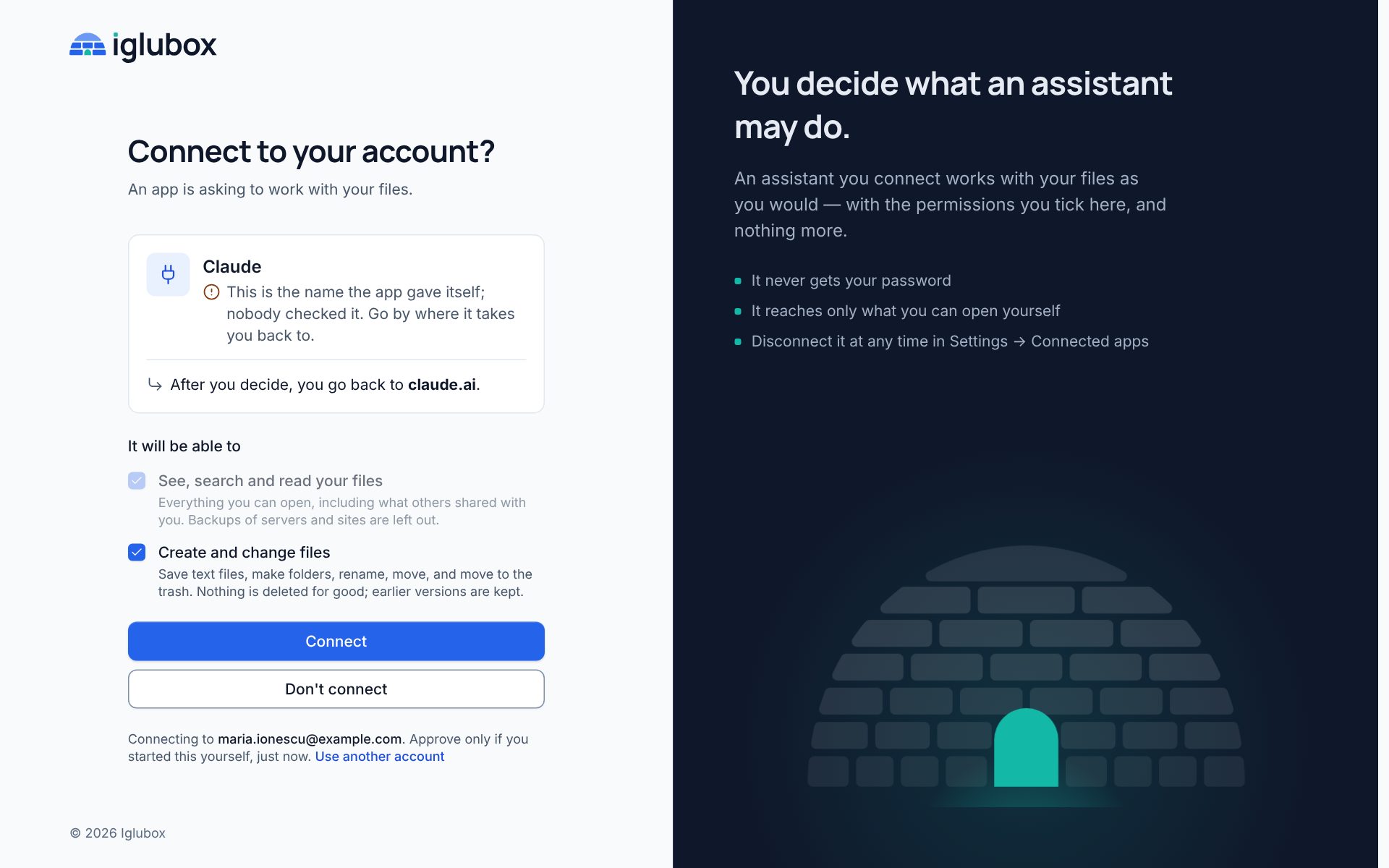
When you add the address in your assistant, it sends you to a page of Iglubox. There you see which app is asking and where you will be sent back to, and you tick what it may do.

The assistant never sees your password, and two-step sign-in stays as it is. What it gets is a key of its own that works only for this, which you can take back at any moment.
Some apps are known by an address their maker publishes; the page then says Published by and the site. Others only give themselves a name, and the page says so plainly: nobody checked that name, so go by where it takes you back to.
What a connected assistant can do
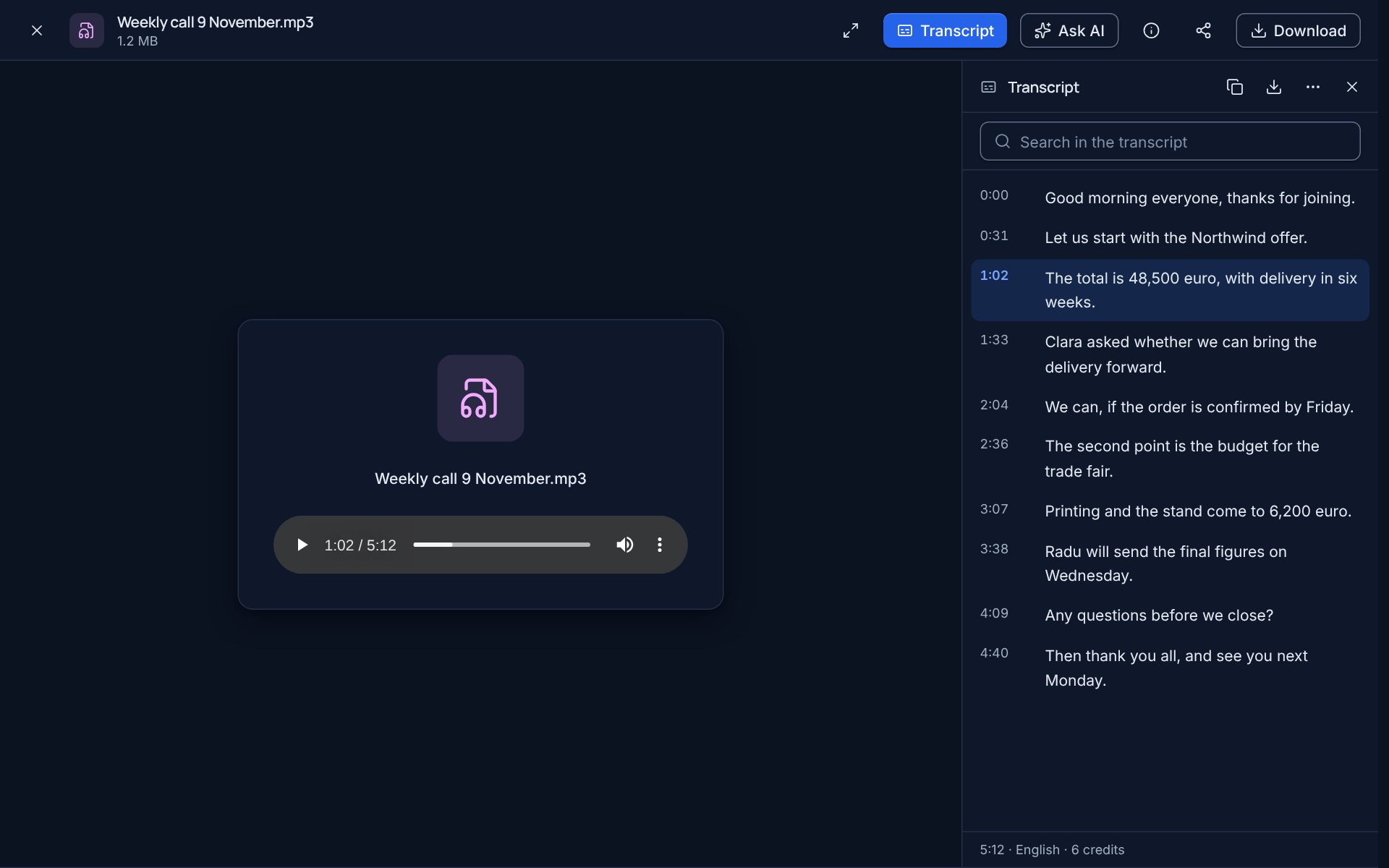
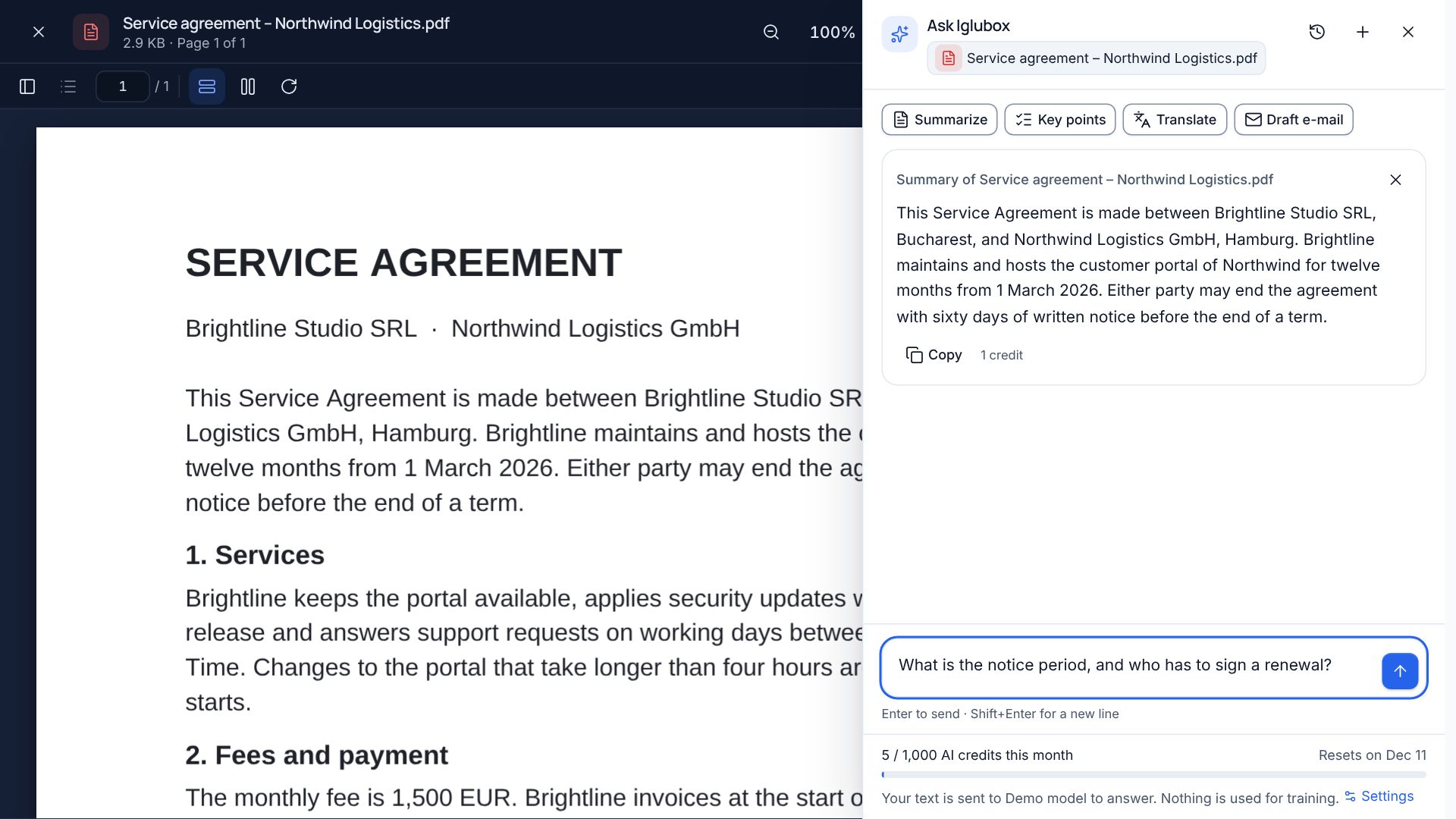
- Search, list and read the files you can open yourself, including those shared with you. Documents, PDFs, spreadsheets, presentations and text files are read as text; a recording is read through its transcript if it has one.
- Create and change files, only if you ticked it: save a text file, make a folder, rename, move, move to the trash.
And what it cannot:
- It cannot delete anything for good. What it removes goes to your trash.
- A file it rewrites keeps its earlier versions, and the history names the app that wrote the new one.
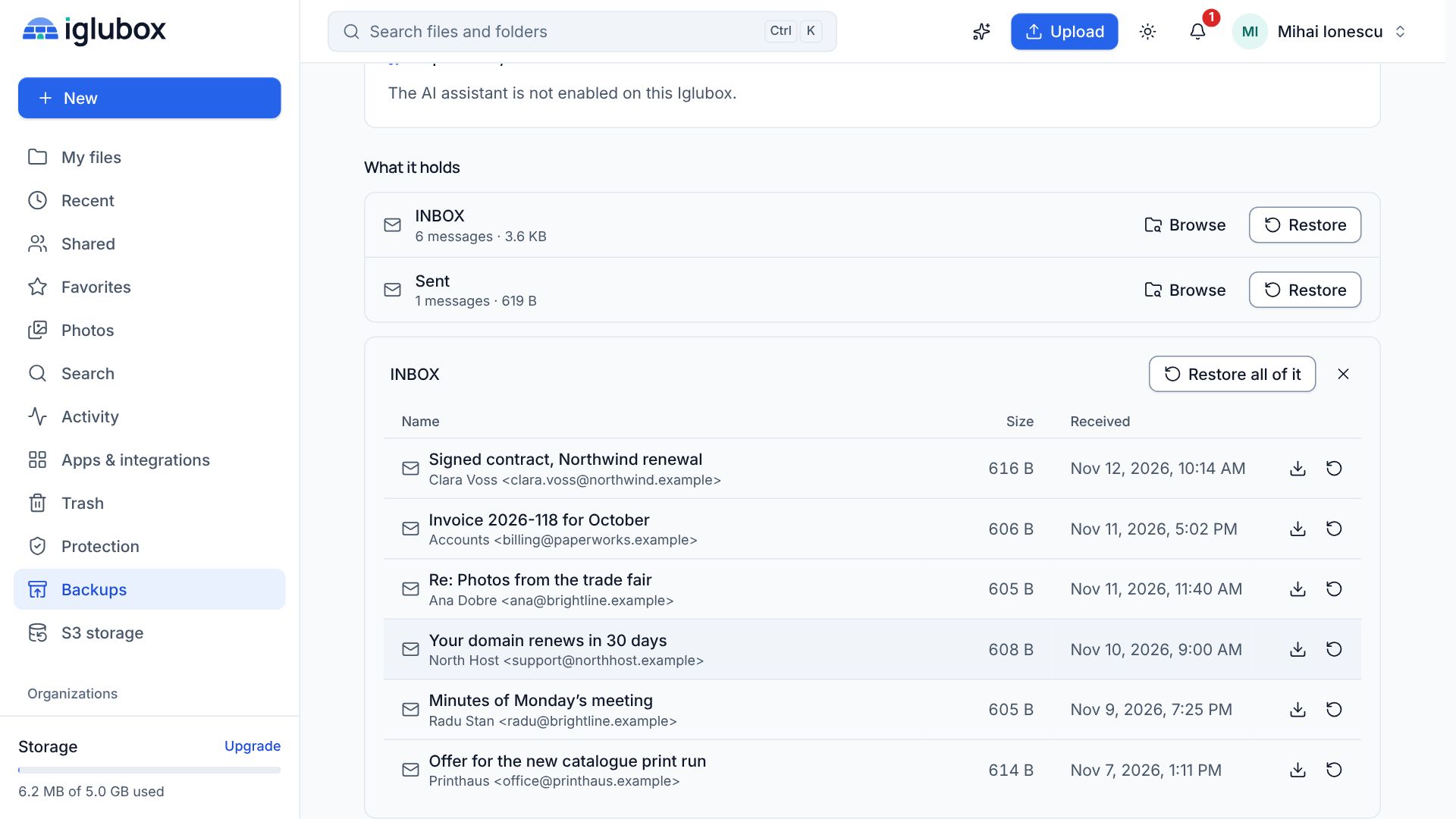
- Backups of servers, websites and mailboxes are closed to it.
- It cannot change your settings or your plan, and it makes links to your files only where the service offers that and you ticked it.
Ransomware protection treats a connected assistant as a device of its own: if what it does to your files looks like an attack, that connection is paused and you are told, as for any device.
You can see what it did
Your activity shows which app a change came through:
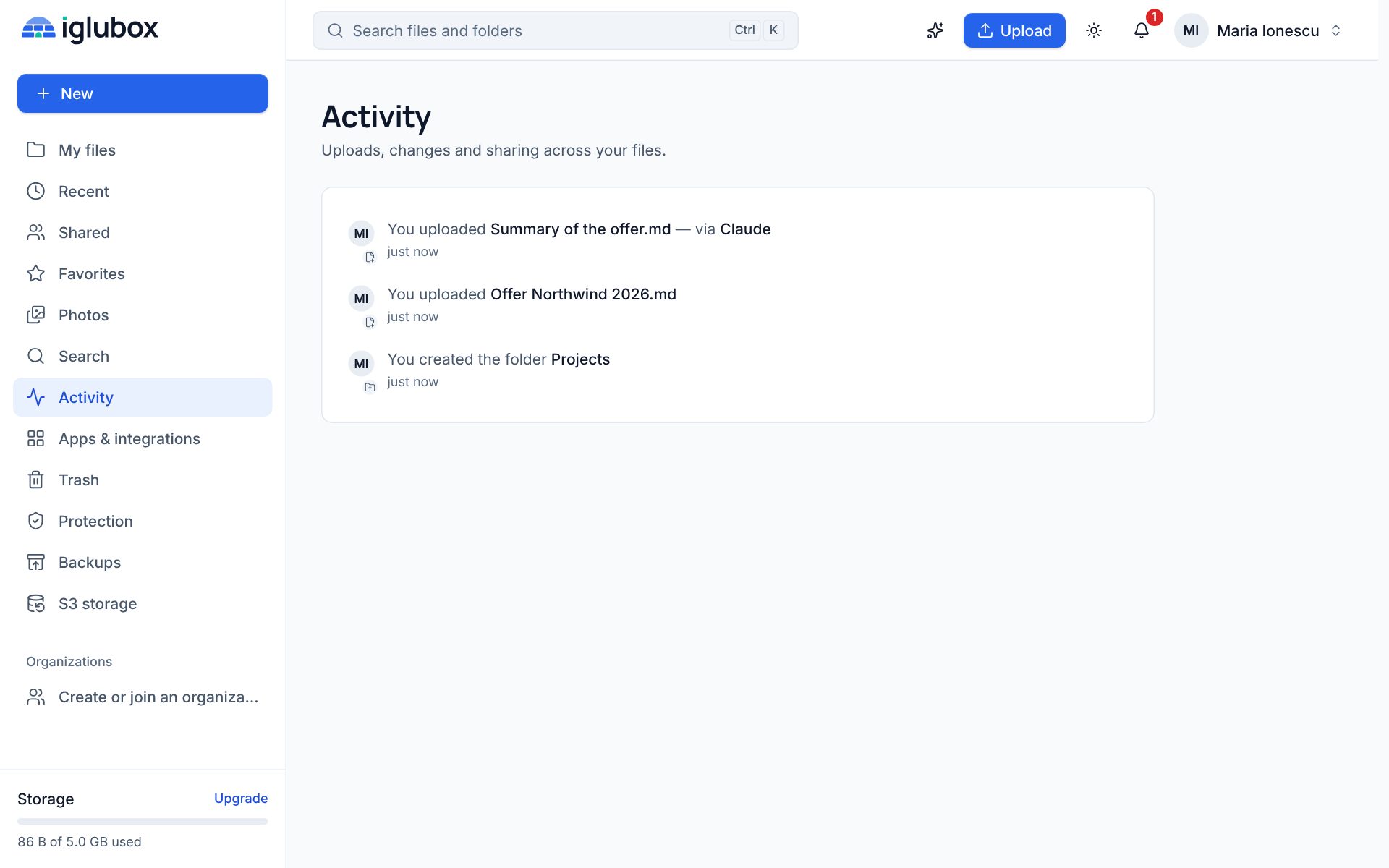
Settings → Connected apps lists every connection with what it may do and when it was last used. Disconnect ends it at once.
Before you connect one
- What it reads leaves Iglubox. Text an assistant reads from your files is sent to the company that runs the assistant, under your agreement with that company. It is not one of the providers this service chose, and our commitments about the built-in assistant do not bind it.
- Give it what the task needs. If an assistant only has to answer questions, leave Create and change files unticked.
- Approve only what you started. If a page asks you to connect an app and you did not just add Iglubox in an assistant yourself, choose Don’t connect.
Whether assistants can connect is decided by the operator of this service. The help center has the steps: connect an AI assistant.