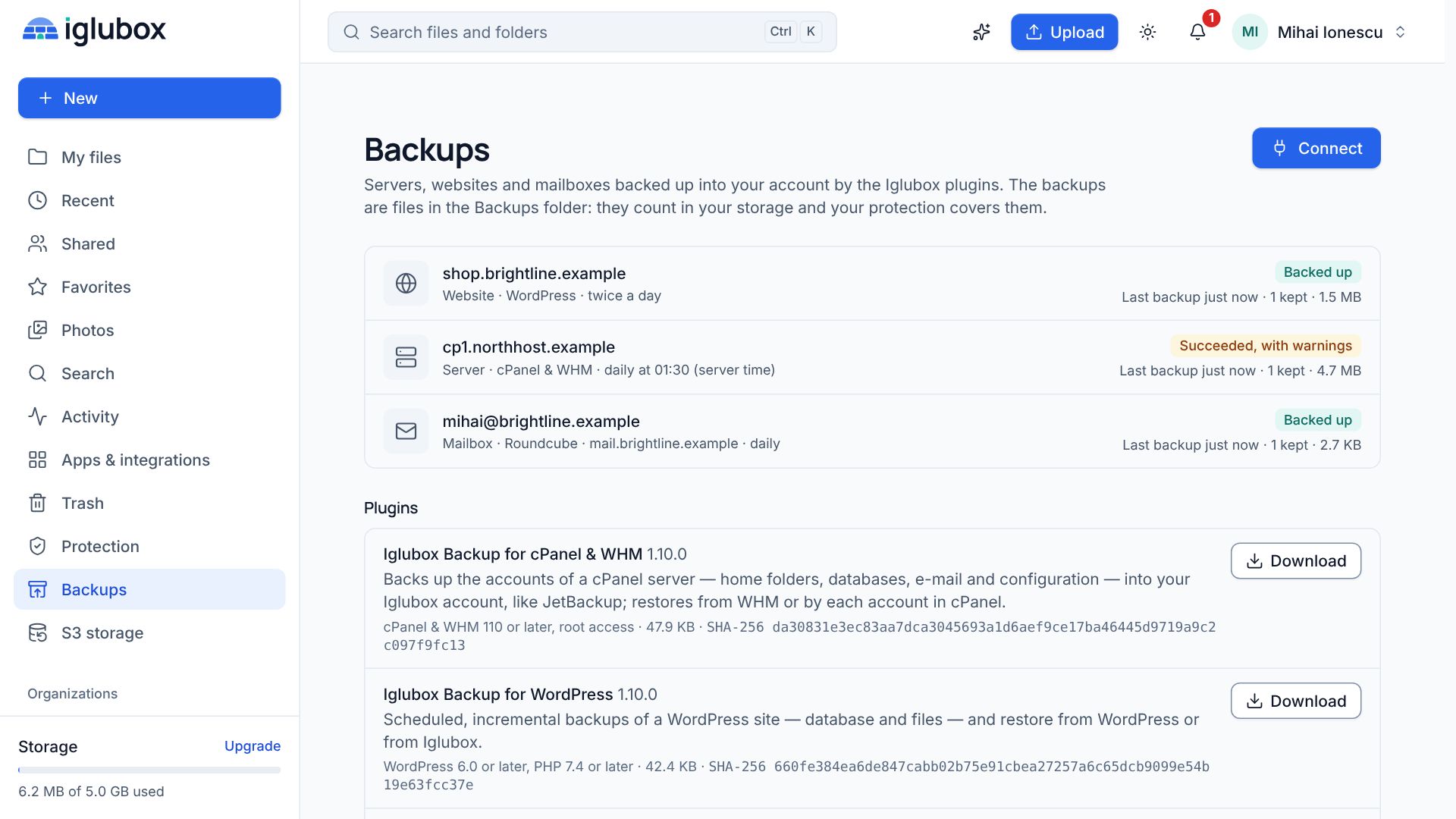
If you run a cPanel server you already know the two usual answers to backups: the built-in ones, which are simple but full-size every time, and JetBackup, which is the tool most hosting companies end up with. The Iglubox plugin works the way JetBackup does — scheduled, incremental, restorable by account — with one difference: the backups go into your Iglubox account, as files you can see.
Install and connect
Unpack the plugin on the server and run ./install.sh as root. It adds Iglubox Backup to WHM (under Plugins) and to cPanel, and a timer that wakes the agent every five minutes.
In WHM, enter the API address and click Connect. The page shows a code; approve it under Backups → Connect in the Iglubox web app. From the command line the same thing is iglubox-backup connect https://api.your-service.example.
The server never holds your password. Its key can add backups to its own folder and read them to restore — nothing else, and it cannot delete what it wrote. If the server is taken over, the attacker gets a key that cannot destroy the backups.
What a backup holds
For every account you choose (all, only some, or all except some):
- The home folder, e-mail included, minus what you leave out (
tmp, caches, logs by default). - Each database of the account, as its own dump.
- The account configuration, made with cPanel’s own
pkgacctwithout the home folder and databases: domains, DNS zones, e-mail accounts, cron jobs.
Run it every day at a time you choose, every few hours, or on demand with Back up now or iglubox-backup run.
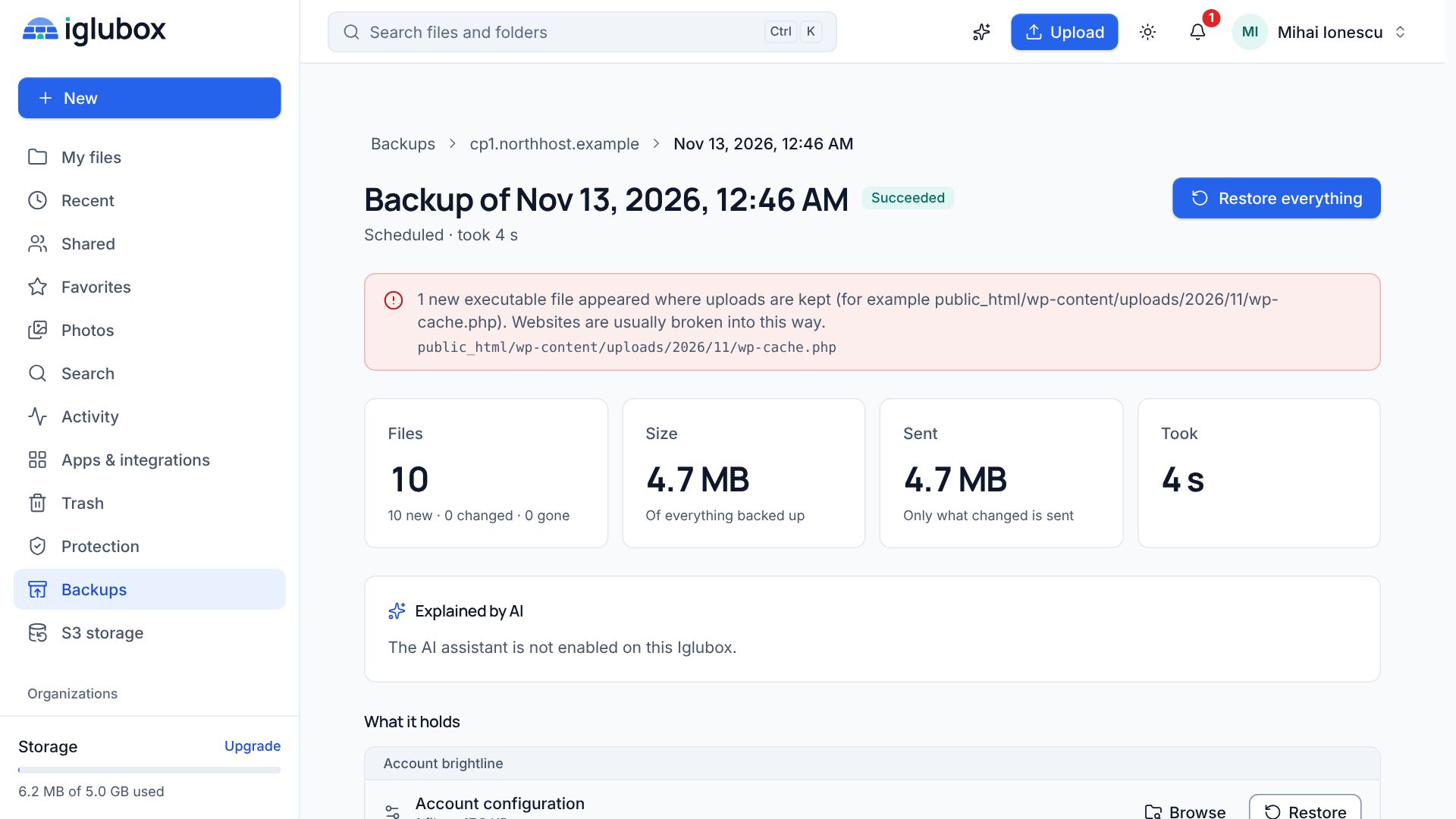
Only what changed is sent. A server with 200 GB of sites that changes 1 GB a day sends about 1 GB a night, and each snapshot still restores alone.

Restoring, from three places
From WHM, the administrator restores a whole account (through cPanel’s restorepkg, then the home folder and databases), or only its files, its e-mail or one database.
From cPanel, each account sees its own backups and nobody else’s, and restores its own files, e-mail and databases without opening a ticket. File restores run as the account’s own user, never as root, so a link planted in a home folder cannot send a restore somewhere it should not go.
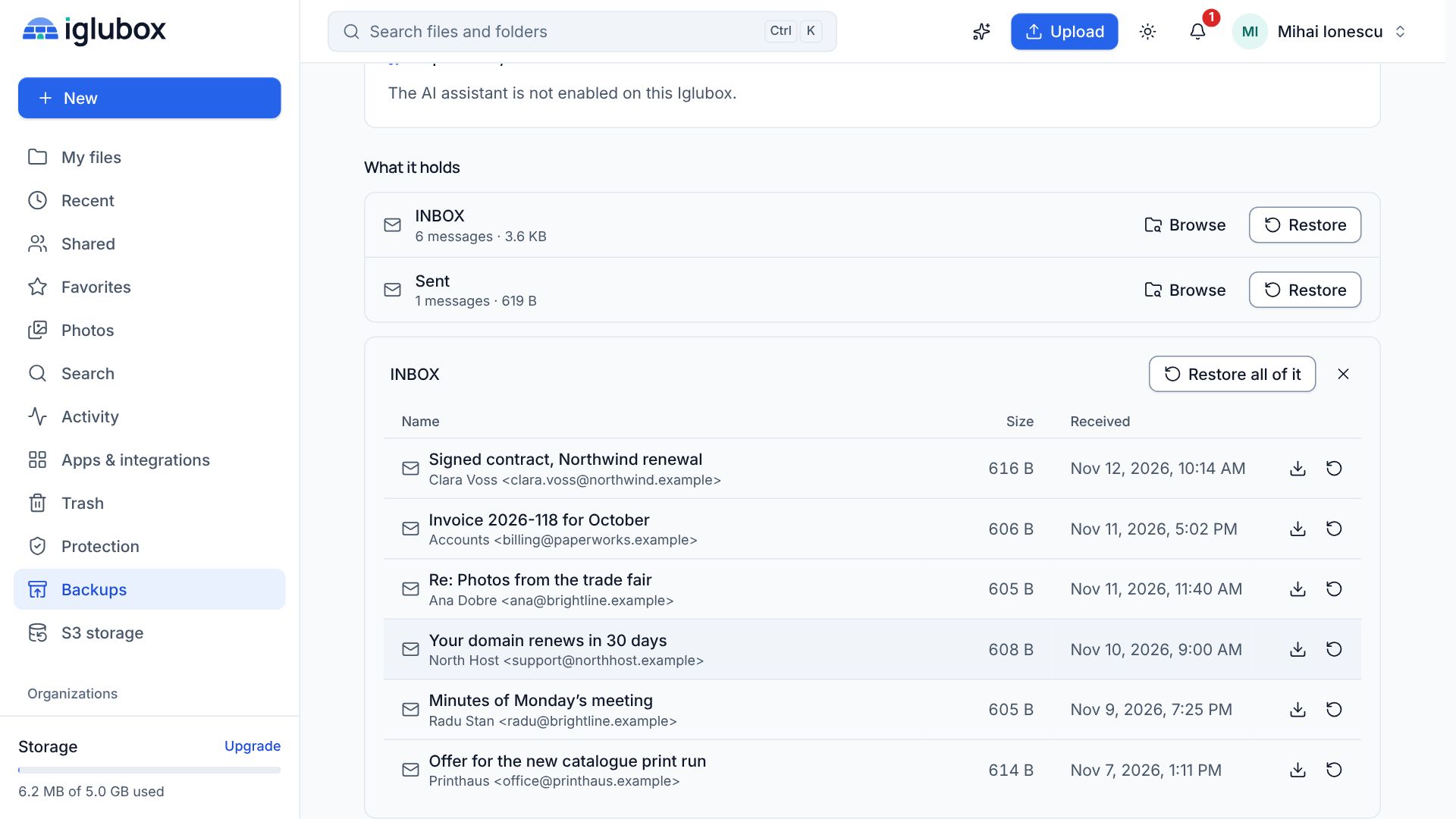
From the web app, you browse any snapshot, download from it, or restore a part into a new folder — useful when the server itself is what you lost.
Retention is not the server’s decision
How many backups are kept is set on the source in Iglubox: the last few, plus one a day, a week and a month for as long as you choose. The service applies it. The agent on the server cannot shorten it.
Protect the backup folder with a retention period and the backups cannot be deleted before their date by anyone, including an administrator of the account.
What it is not
It backs up accounts, not the machine. To rebuild a server you install cPanel, then restore the accounts. And cPanel, WHM and JetBackup belong to their owners, who have not reviewed this plugin: try a backup and a restore of one account before you roll it out.