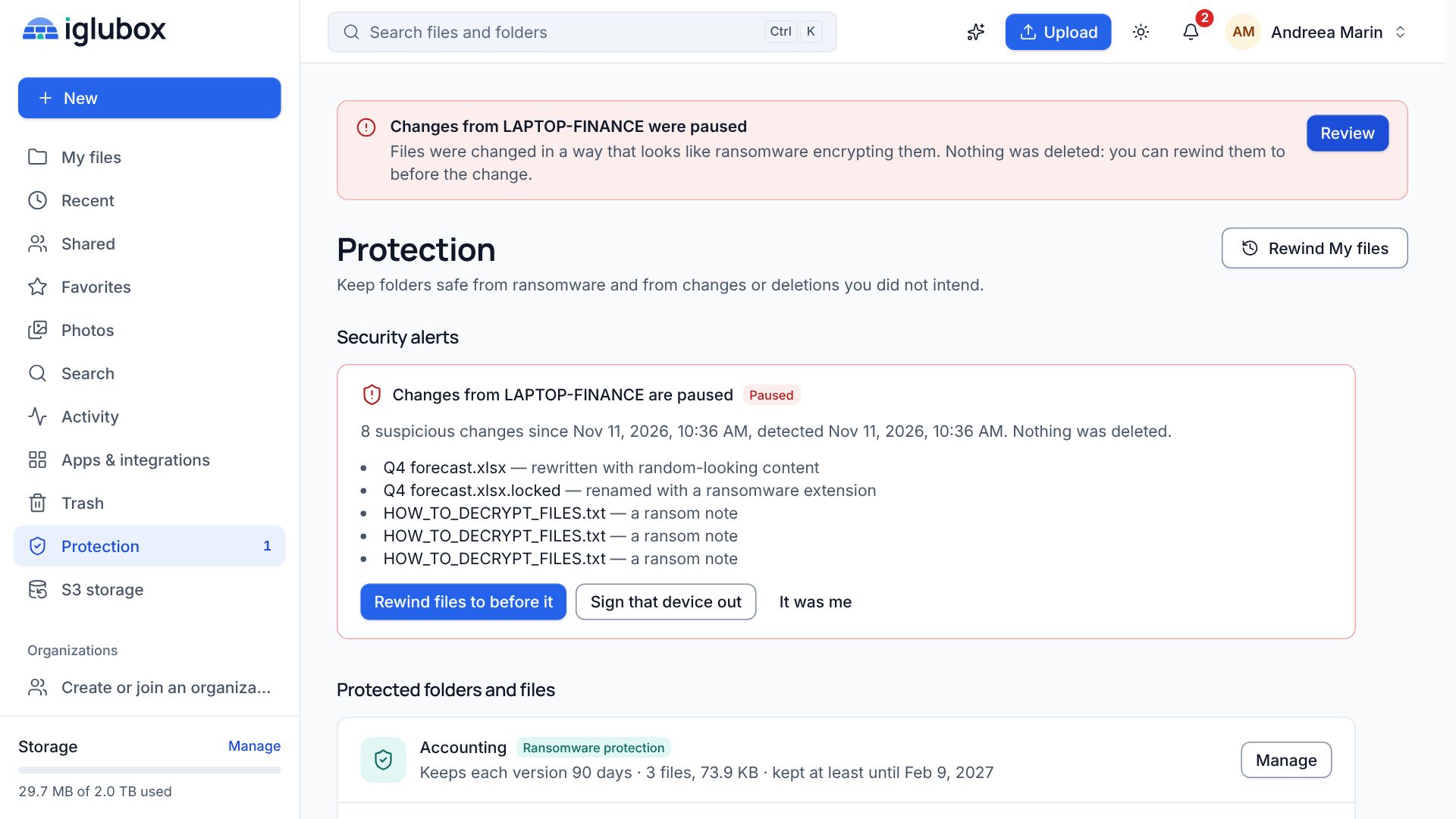
Ransomware rarely stops at the files on one laptop. Once attackers are inside a network, the backup server is one of the first things they look for, because a company that can restore does not pay. A backup repository that accepts a delete command from anyone with the right password can disappear on exactly the wrong day.
Object Lock fixes that at the storage level. An object written with a retention date stays as it is until that date: it cannot be overwritten and it cannot be deleted. Veeam Backup & Replication knows how to use it, and the S3 storage of your Iglubox account offers it.
The setup takes about fifteen minutes.
What you need
- An Iglubox plan that includes S3 storage. The S3 storage page of the web app says whether yours does.
- Veeam Backup & Replication with object storage repositories. The menu names below are the ones version 12 uses; other versions may word them differently.
- Room for the backups you keep plus the immutability period: locked objects count towards your storage until their date has passed.
1. Create a bucket with Object Lock
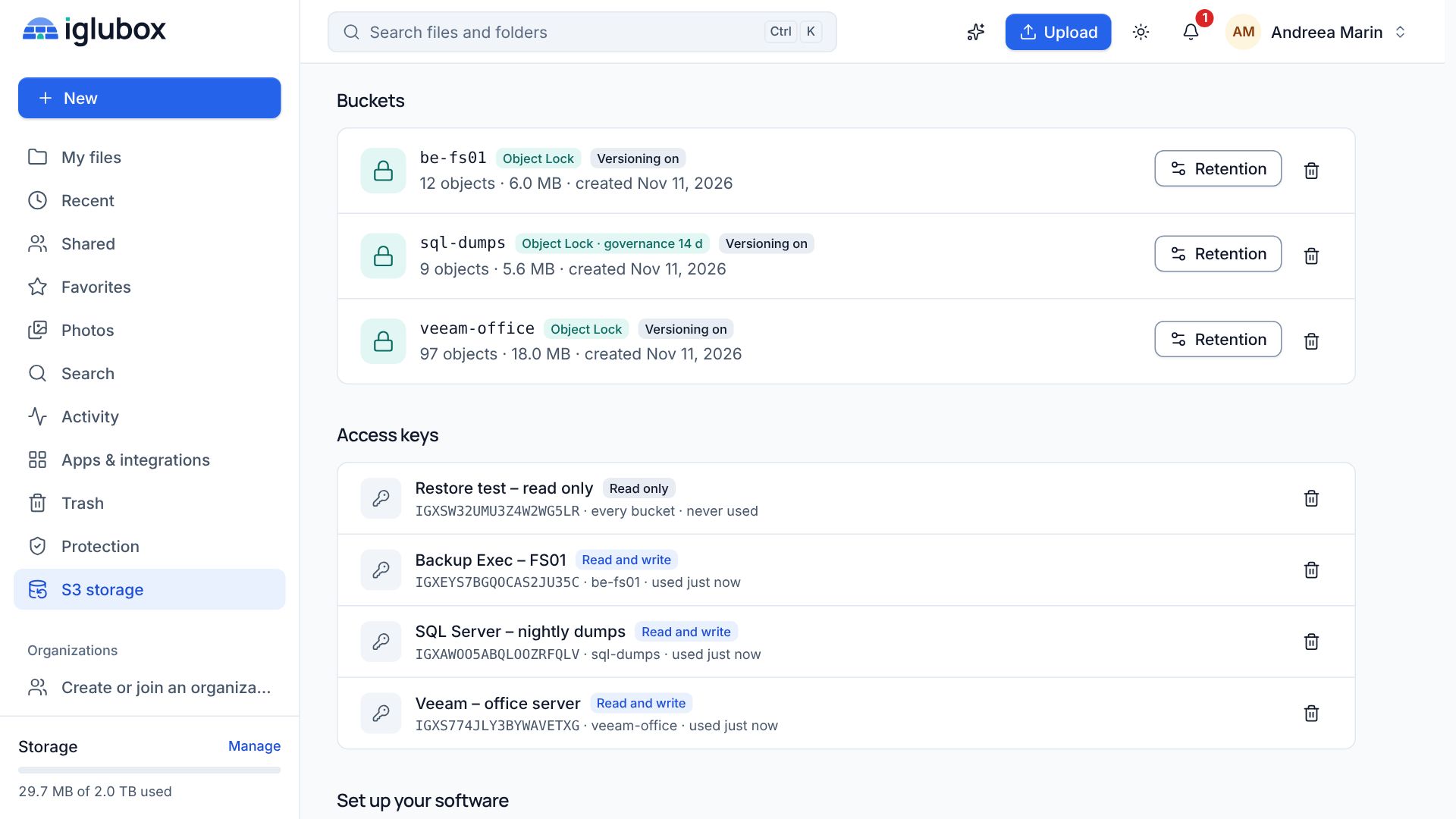
Sign in to the web app and open S3 storage. Click New bucket, give it a name such as veeam-office and switch on Object Lock (immutable backups). Leave Hold every new object by default off: Veeam sets the retention of every object it writes, and a default rule on top would only get in the way.
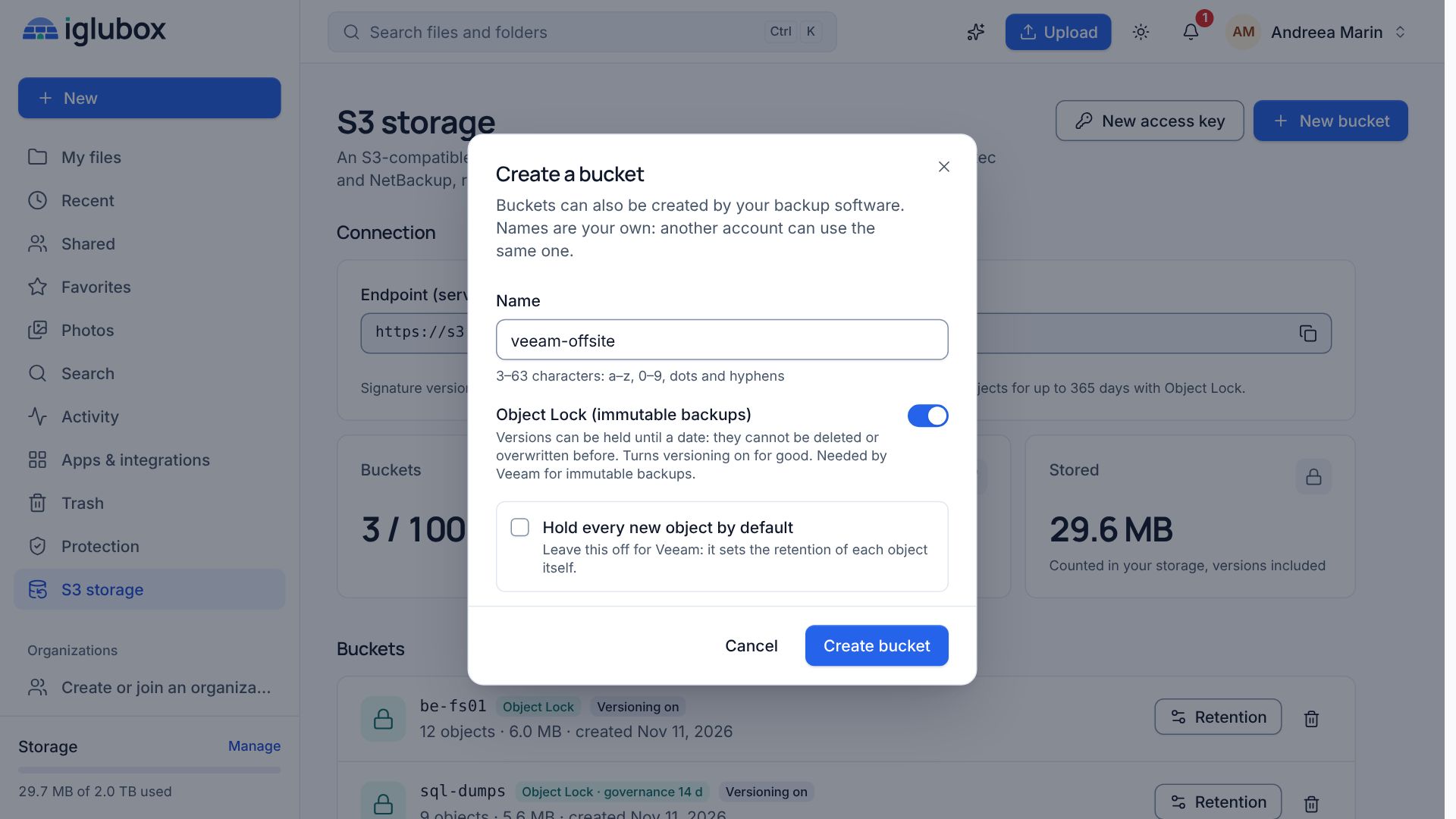
Once Object Lock is on, it stays on, and so does versioning. That is the point: an overwrite or a delete only adds a new version or a delete marker, while the locked versions stay where they are.
2. Create an access key for the backup server
Click New access key at the top of the page. Name it after the server that will use it, choose Read and write (backups), tick Only some buckets and pick veeam-office. If two-step verification is on for your account, you are asked for a code from your authenticator app.
The secret access key is shown once. Copy it straight into Veeam or into a password manager. If it gets lost, delete the key and create a new one.
3. Add the repository in Veeam
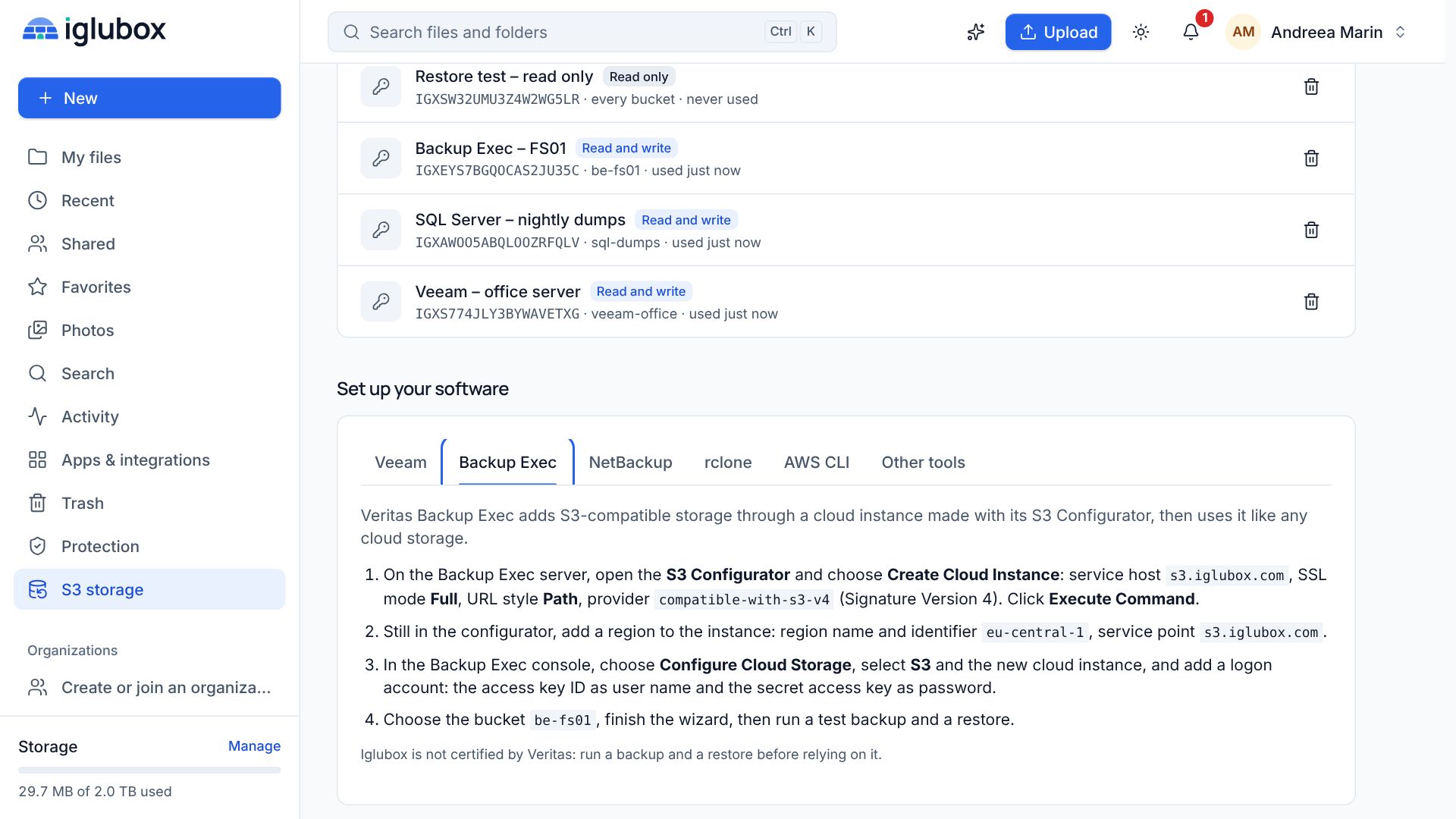
In the Veeam console, go to Backup Infrastructure → Backup Repositories → Add Repository → Object Storage → S3 Compatible and fill in:
- Service point: the Endpoint shown under Connection on the S3 storage page, such as
https://s3.your-domain - Region: the Region shown next to it
- Credentials: the access key ID and the secret access key from step 2
Choose the bucket veeam-office and create a folder for this repository. Then tick Make recent backups immutable for and choose the number of days.
4. Count the extra days
Veeam does not lock each object for exactly the days you choose. It groups objects in block generations and adds up to ten days with S3-compatible storage, so 30 days can become 40. Your plan sets the longest retention an object may get: keep it above the number you choose plus ten, or Veeam’s writes will be refused.
5. Back up, then restore
Run a backup job to the new repository, then restore something from it: a few files, or a whole machine into an isolated network. A backup you have never restored from is a hope, not a backup.
On the S3 storage page the bucket now shows its objects, versions and size. Recent versions of Veeam also show the repository’s capacity and free space, because Iglubox answers the Smart Object Storage API that Veeam reads for it.
What compliance mode means for you
Veeam writes its locks in compliance mode. Nobody can shorten such a lock or delete a locked object through Iglubox before its date: not the account owner, not someone with a stolen password, not an administrator. That is what protects the backup. It also means that a backup you no longer want keeps using storage until its date has passed, so choose the period with that in mind. Between 14 and 30 days is a common start for the first copy.
A word on testing
Veeam is a trademark of its owner. Iglubox is an independent service that speaks the S3 API Veeam uses, and Veeam has not reviewed it. That is one more reason for step 5: run a backup and a restore before you rely on a new repository, and repeat the restore now and then.