A question about the service — how to share a folder, what a plan includes, where a setting is — usually has its answer on this website. The chat finds it for you at once, and when the answer is not enough, it brings a person of our team into the conversation.
What you need: nothing. The chat works without an account; signed in, the chat of the web app knows who you are.
The pictures are from the product. The people in them were made up for the pictures, and the words of the assistant’s answers depend on the AI model this service uses.
Step 1: Open the chat
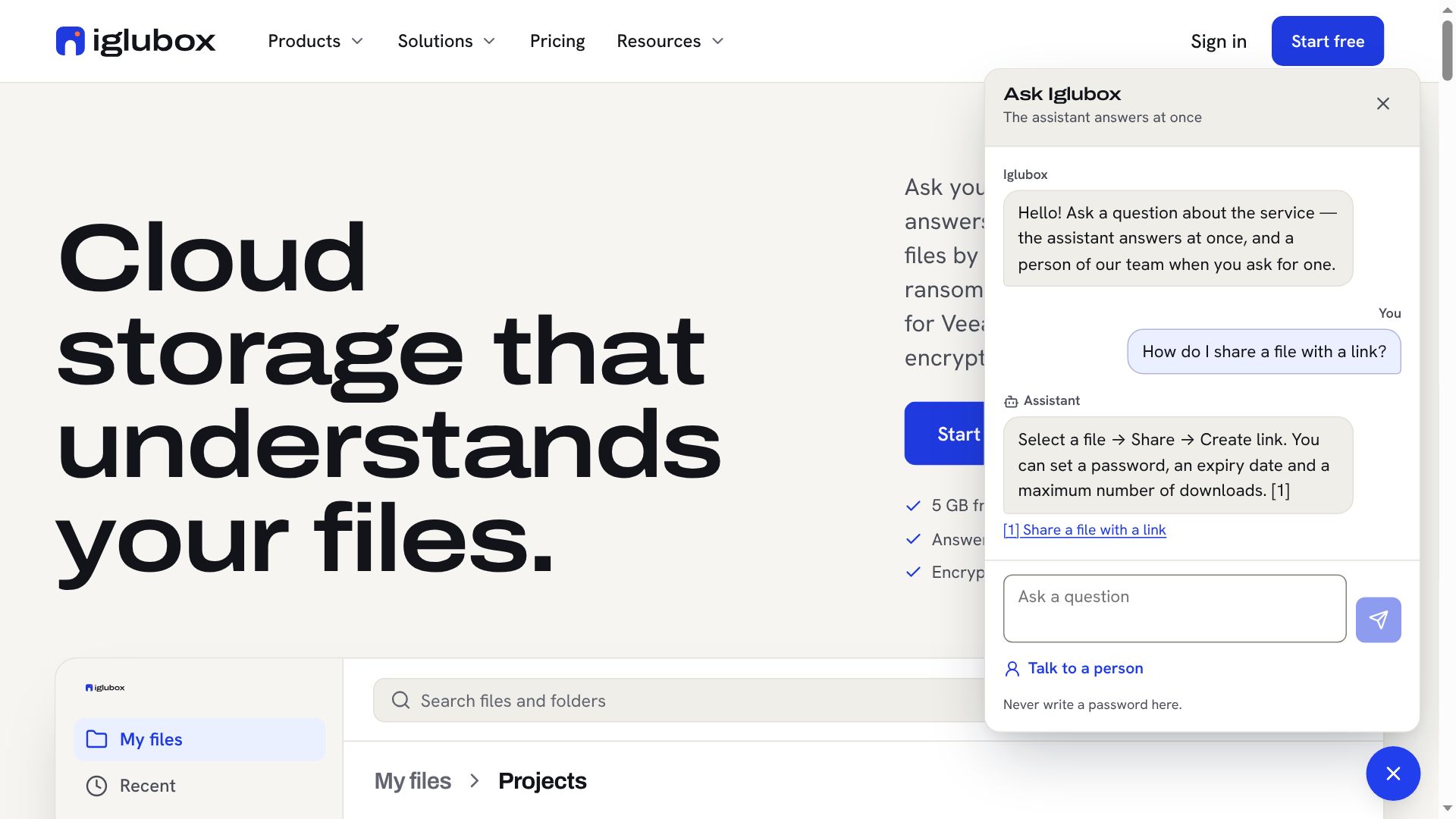
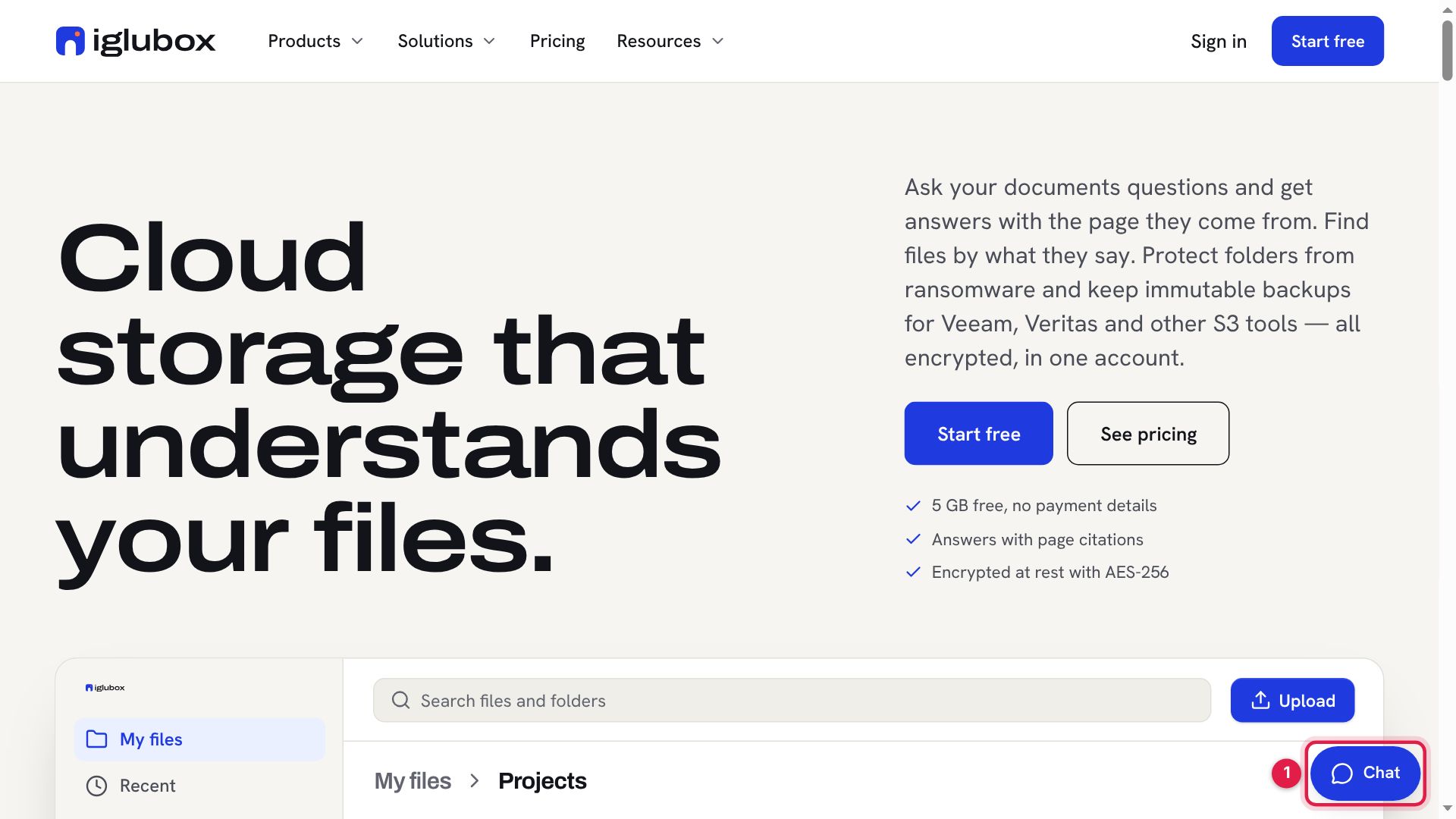
Every page of the website has a Chat button at the bottom right (1).
Step 2: Ask your question
Write your question in your own words and press Enter (1). The assistant answers at once (2), from the pages of this website: the help center, the blog, News, the plans and prices. Under the answer are the pages it used (3). They open in the same window, with the chat still open.
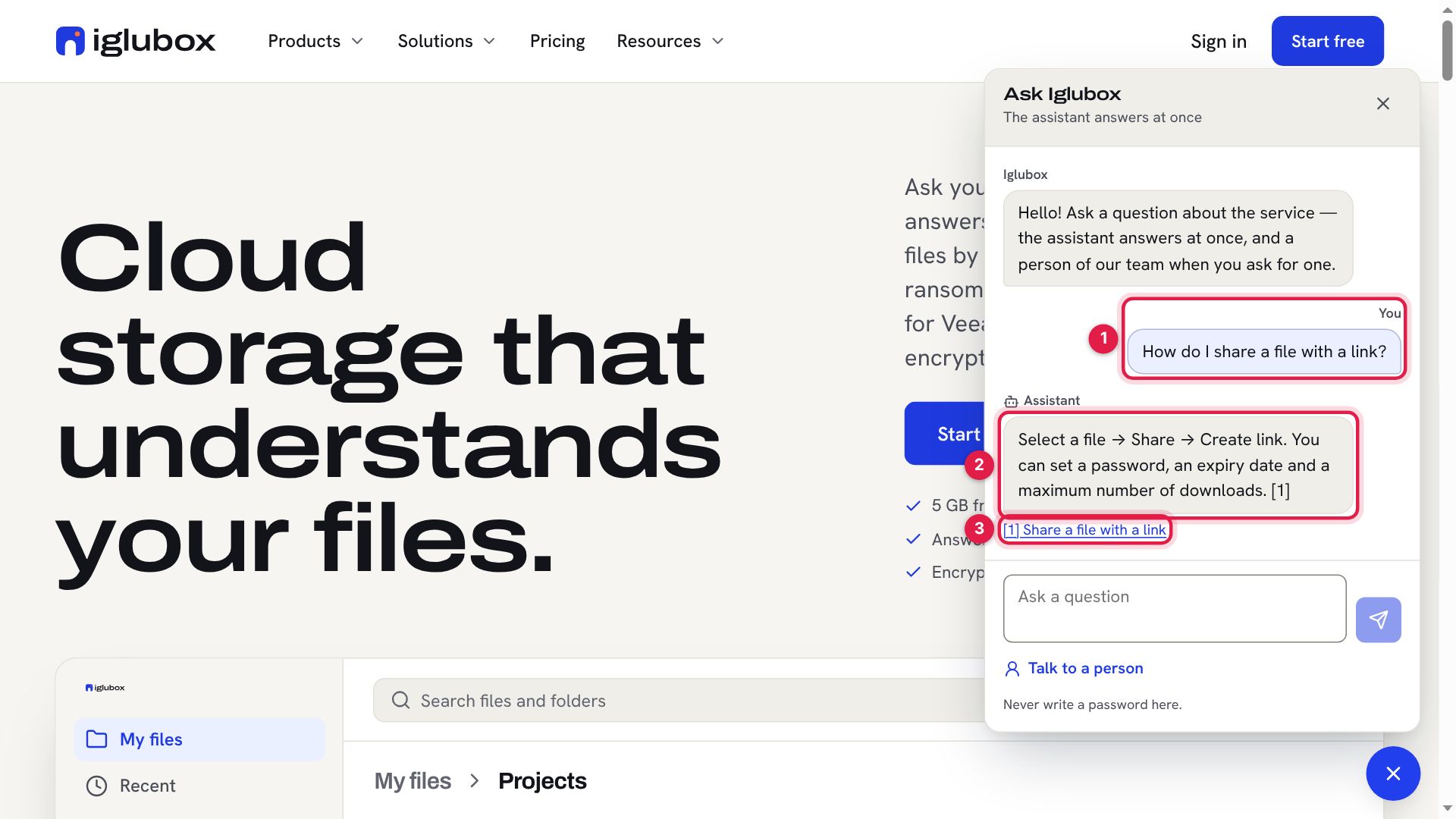
The assistant does not see your account, your files or your payments, and it can be wrong. When an answer matters, check the page it names — or ask a person.
Step 3: Talk to a person
Choose Talk to a person. You may leave your name (1) and an e-mail address (2) — for an answer by e-mail if the chat breaks off. Both are optional. Then choose Talk to a person (3).
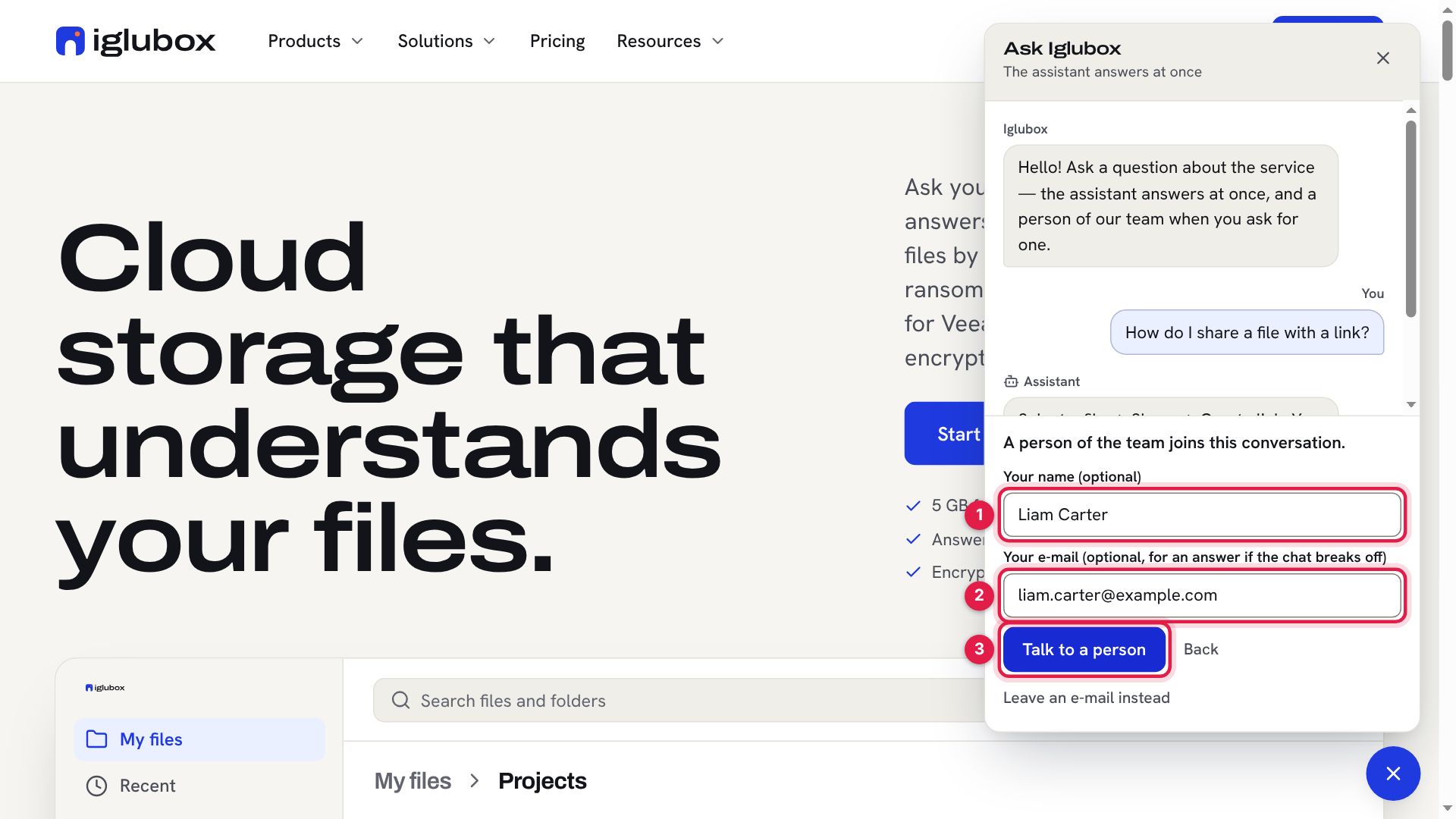
The chat says Waiting for a person of the team… until somebody takes the conversation.
Step 4: A person of the team answers
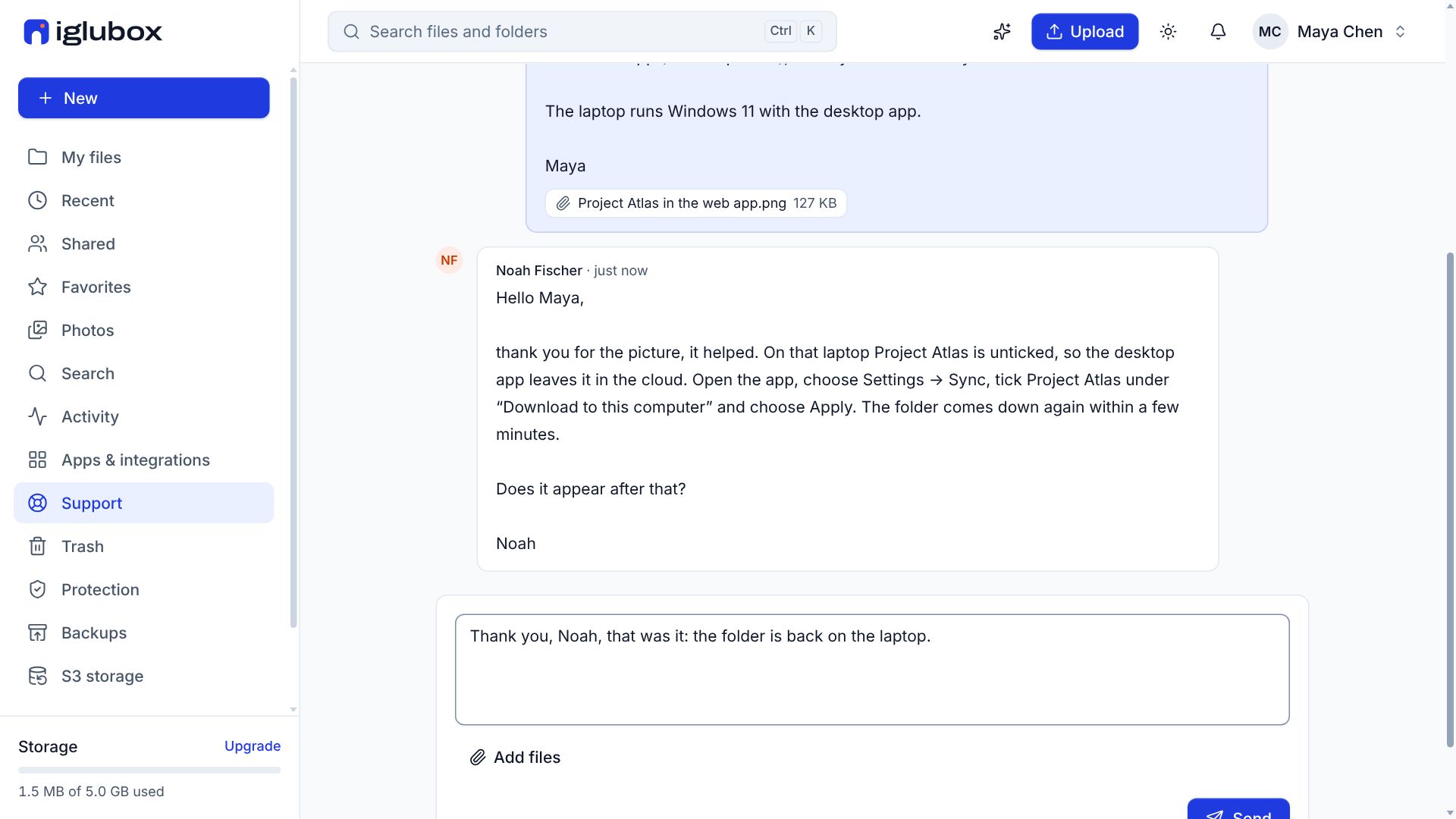
When somebody takes it, the window says who answers (1). Their messages arrive as they send them (2), and you see when they are typing (3). They see the whole conversation, the assistant’s part included, so there is no need to ask again.
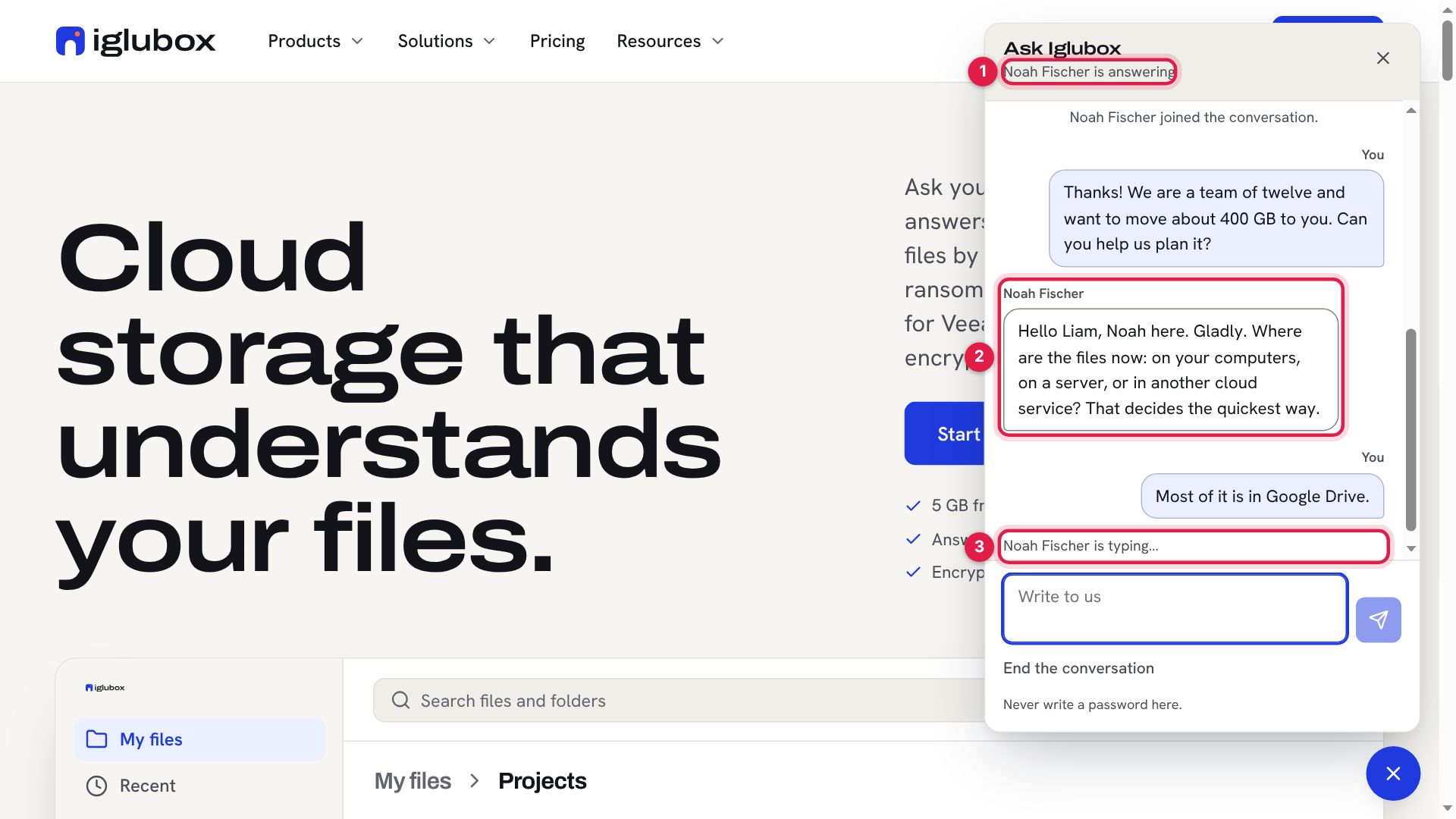
End the conversation closes it when you are done.
Step 5: When nobody of the team is there
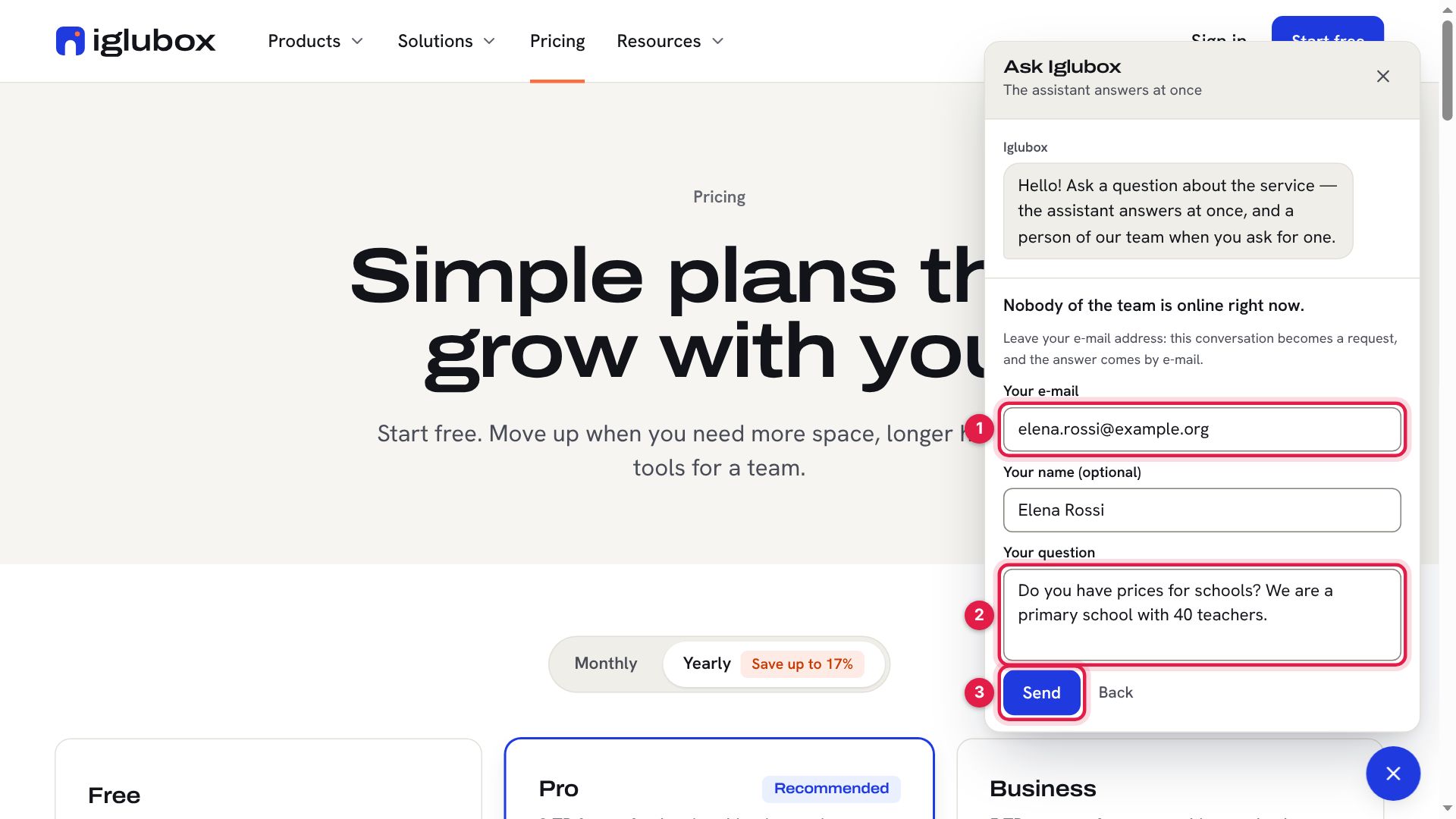
When nobody of the team is online, the chat asks for your e-mail address instead (1). Write your question (2) and choose Send (3).
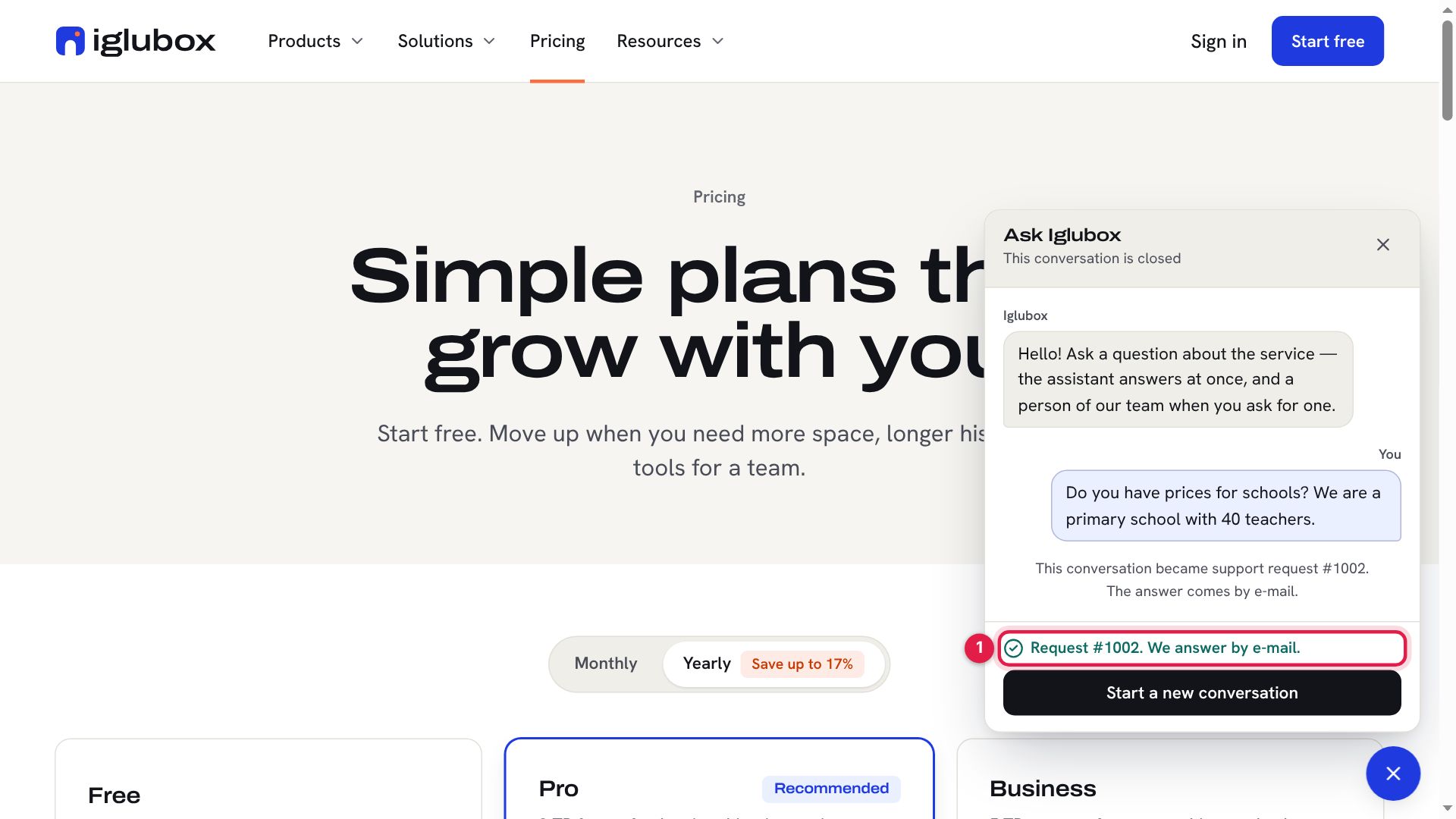
The conversation becomes a support request with a number (1), and the answer comes by e-mail, with a private link to read it and write back.
Step 6: In the web app
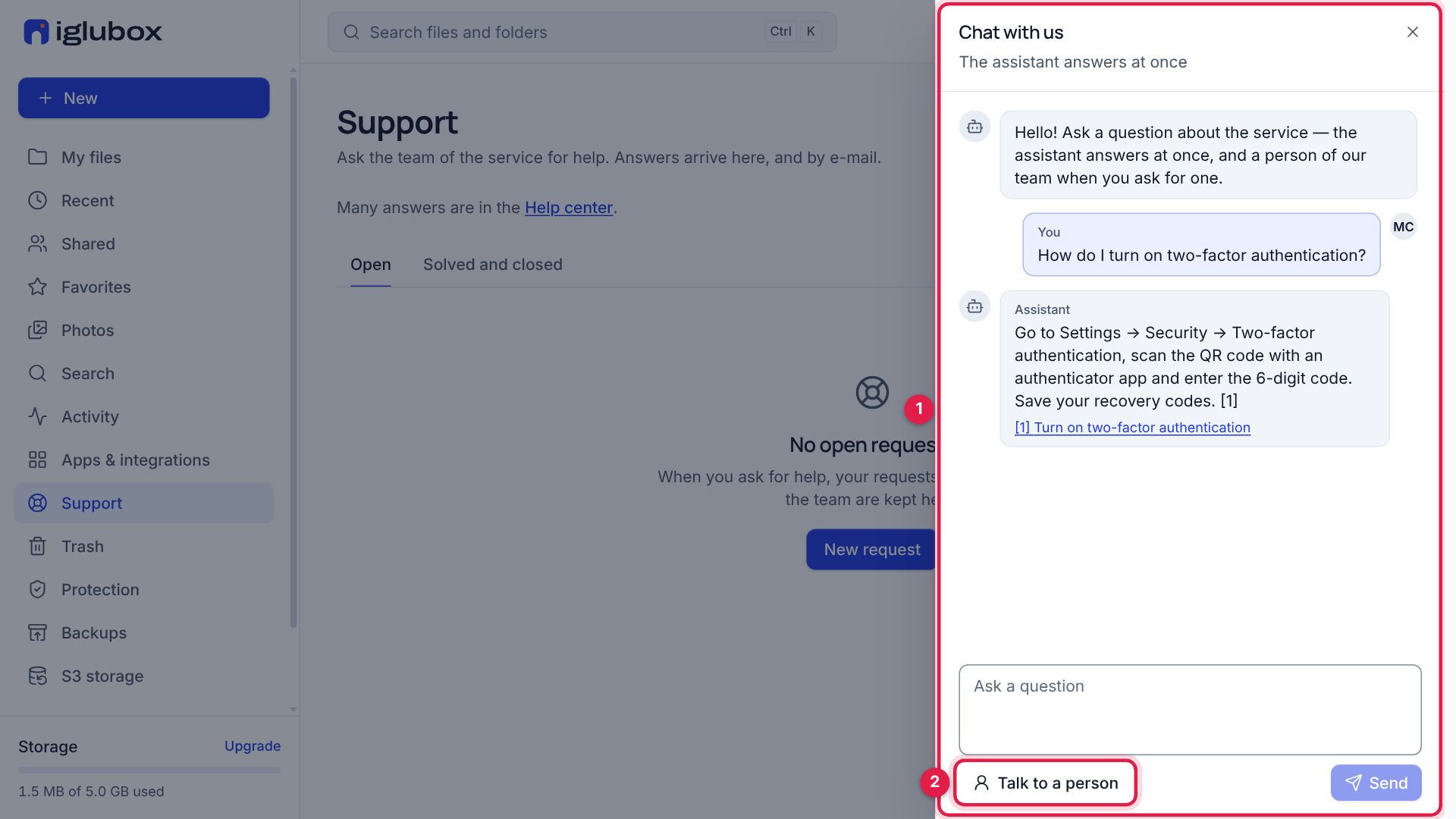
Signed in, choose Support in the sidebar and then Chat with us. The same chat opens beside the page (1), and the team sees who you are, so a person can help with your account. Talk to a person (2) works as on the website; when nobody is there, the conversation becomes a request of your account, under Support.
Good to know
- Never write a password, a code or a card number in the chat. Nobody of our team will ever ask for them.
- On the website, the conversation is kept by your browser: it is still there on the next page, and when a person writes while the window is closed, the Chat button counts the new messages.
- What is kept: the conversation, for a time the service sets, and the address you leave. What you write is sent to the AI provider of the service while the assistant answers; the privacy policy says more.
The help center has the short version: get answers in the chat.