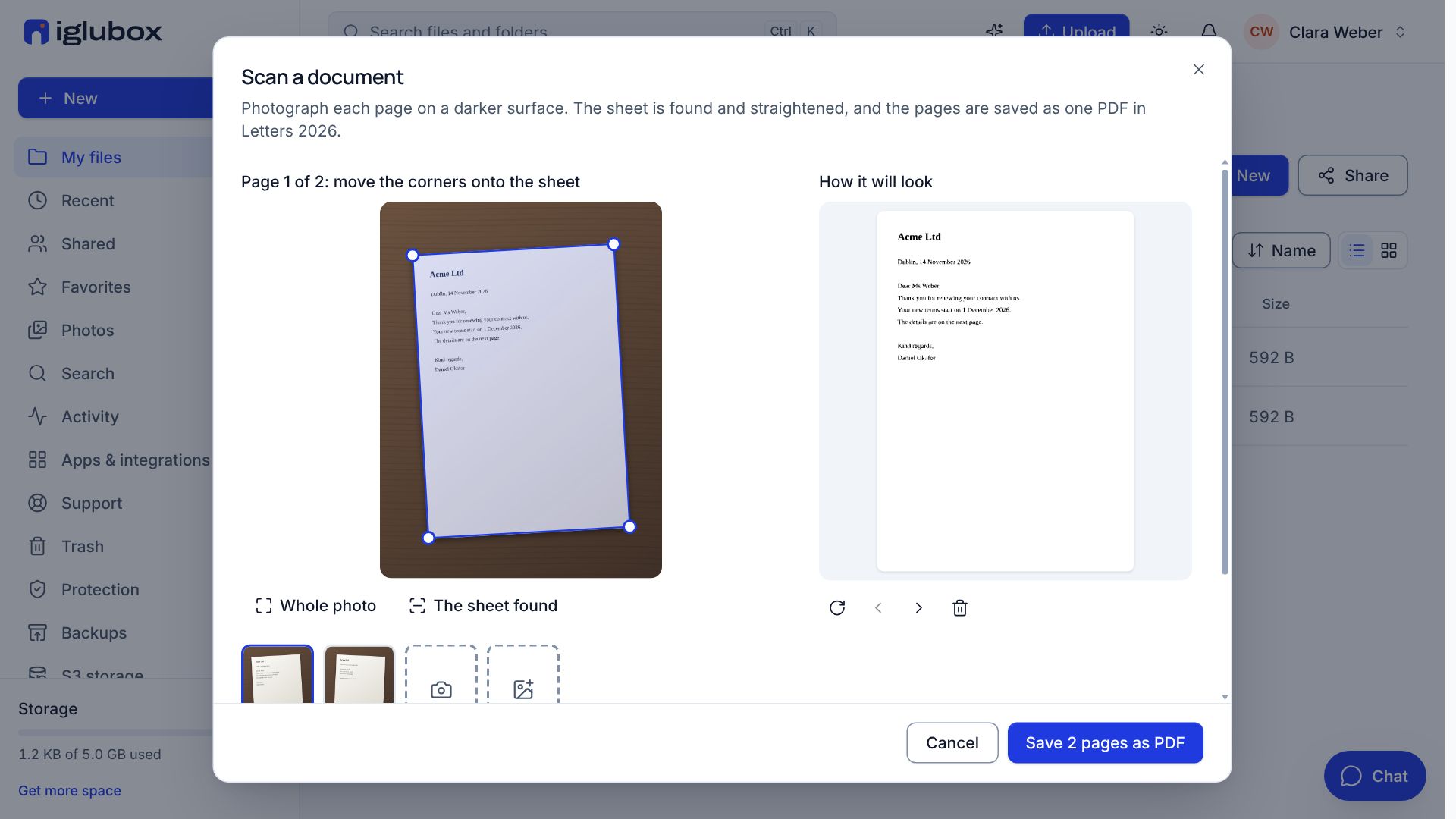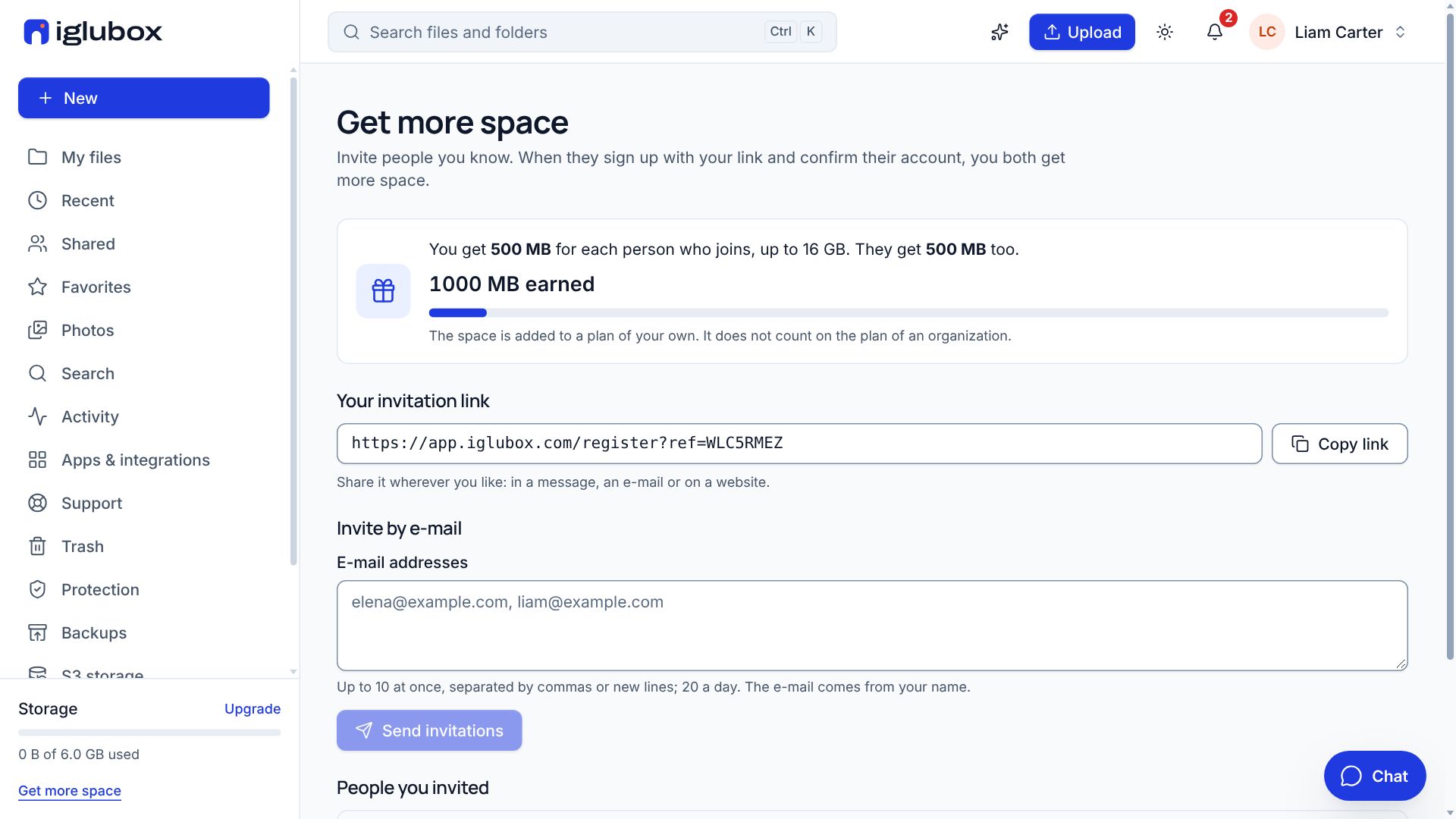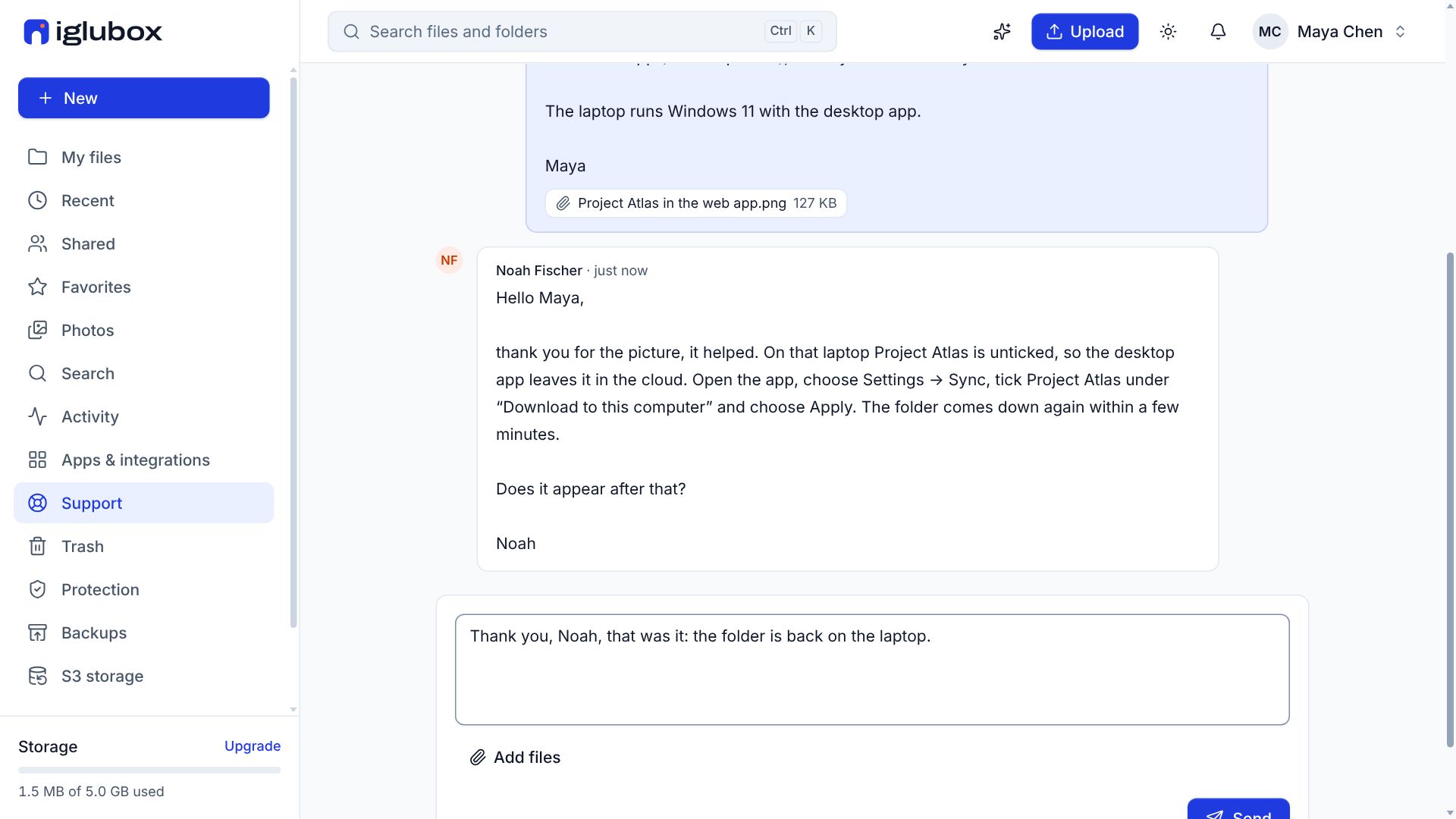
Sometimes you only need to put two PDFs together, or make a photo small enough for an e-mail. The free tools of our website do it in your browser: your files never leave your device, and you need no account.
The pictures are from the product.
Step 1: Choose a tool
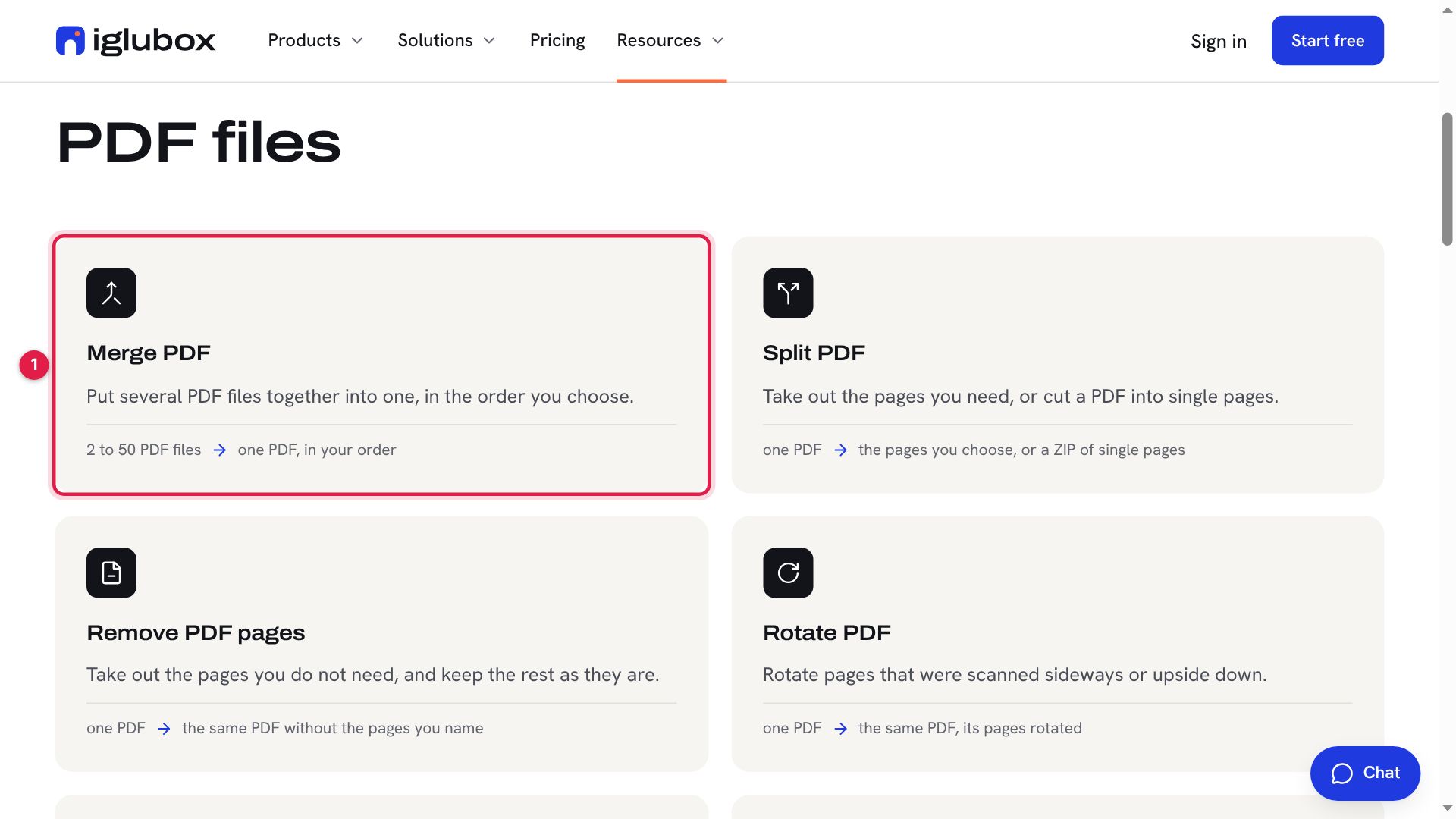
Open Free tools in the menus of the website. The PDF tools are first, the picture tools after them; choose one (1).
Step 2: Add your files
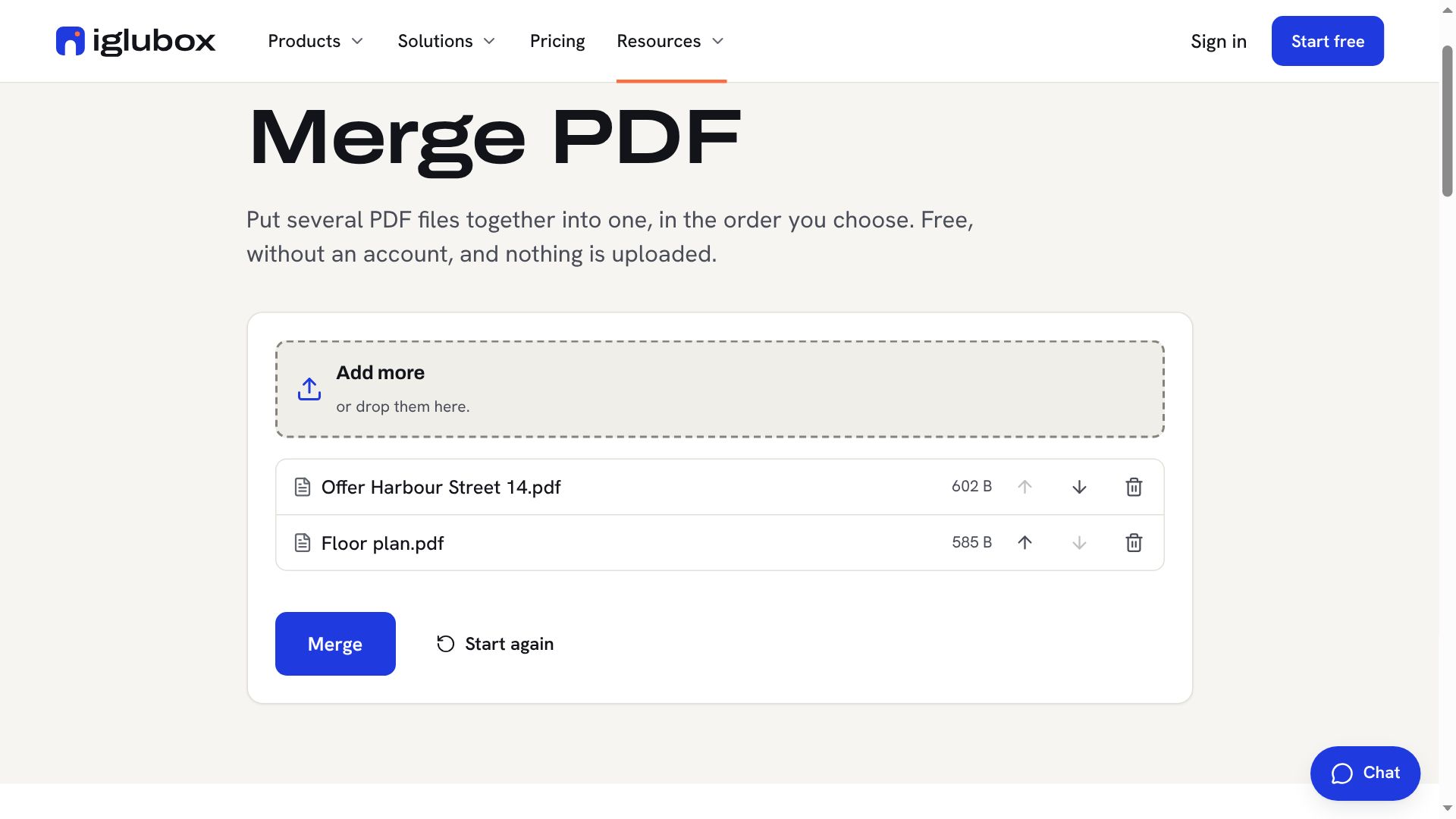
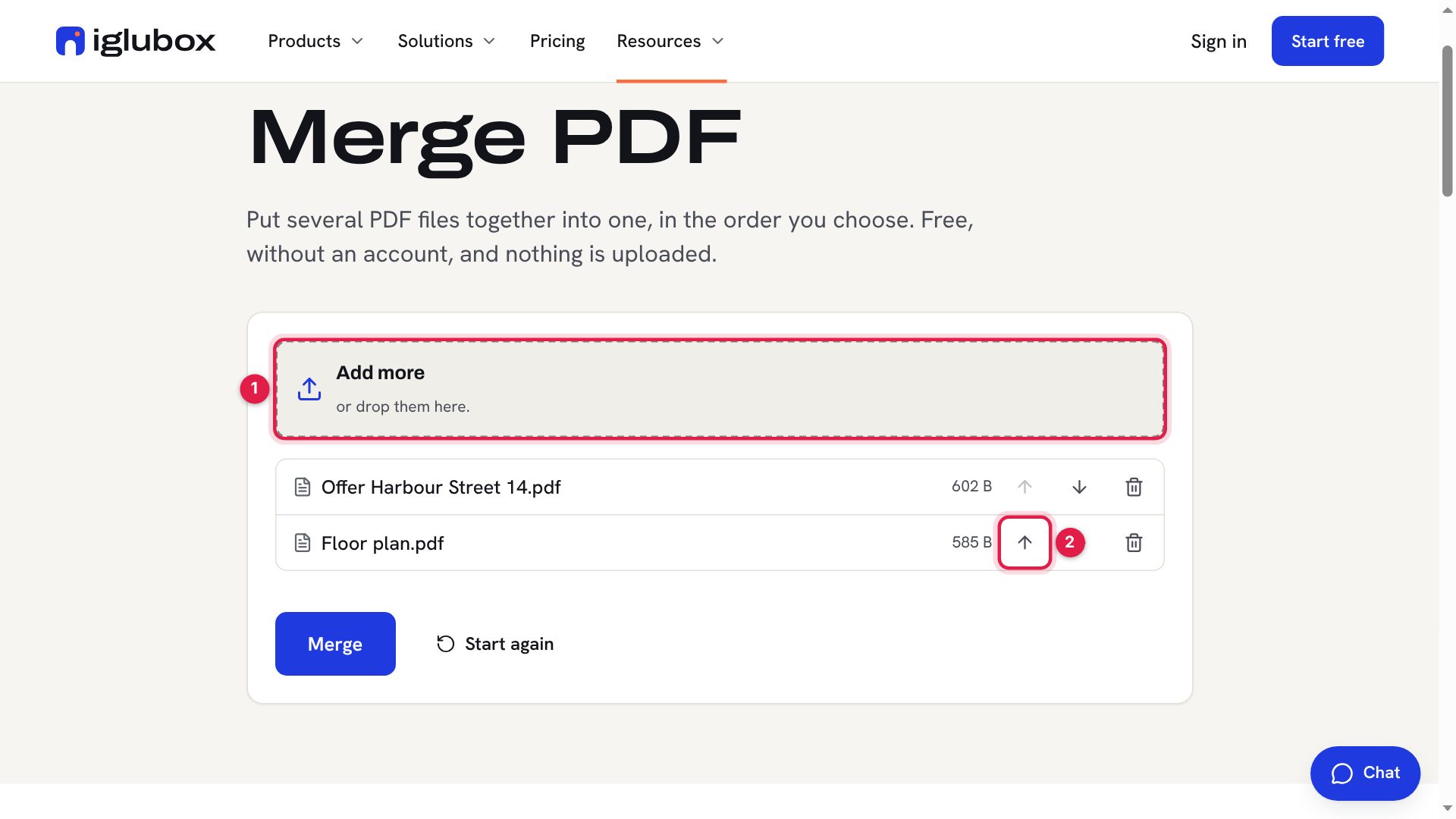
Choose your files, or drop them on the box (1). They are read on your device: nothing is uploaded. Put them in the order you want with the arrows (2) — the first file comes first.
Step 3: Get the result
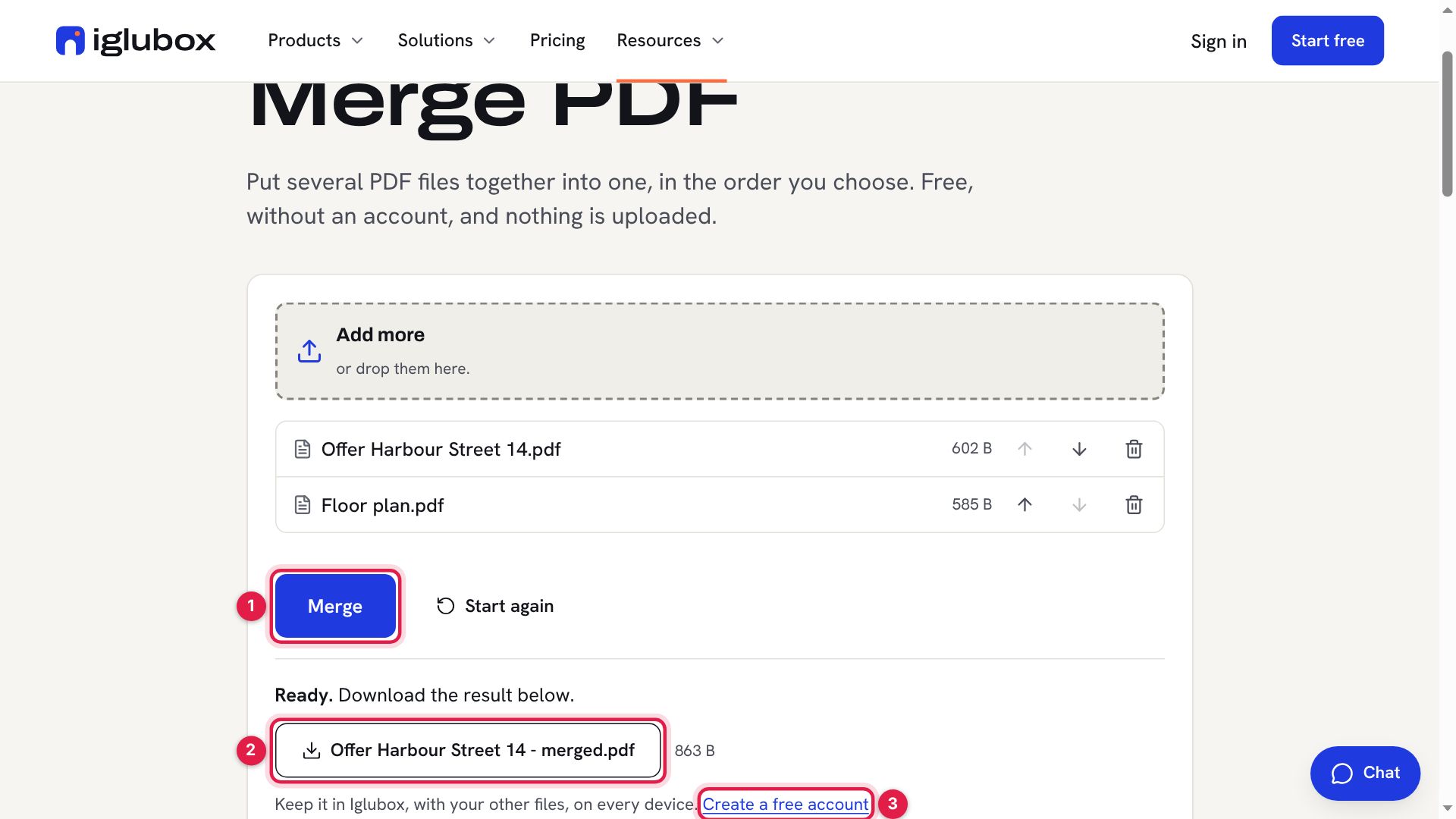
Choose the button of the tool — here Merge (1). The result is ready at once: download it (2). To keep it with your other files, on every device, Create a free account (3).
Pictures: smaller, or in another format
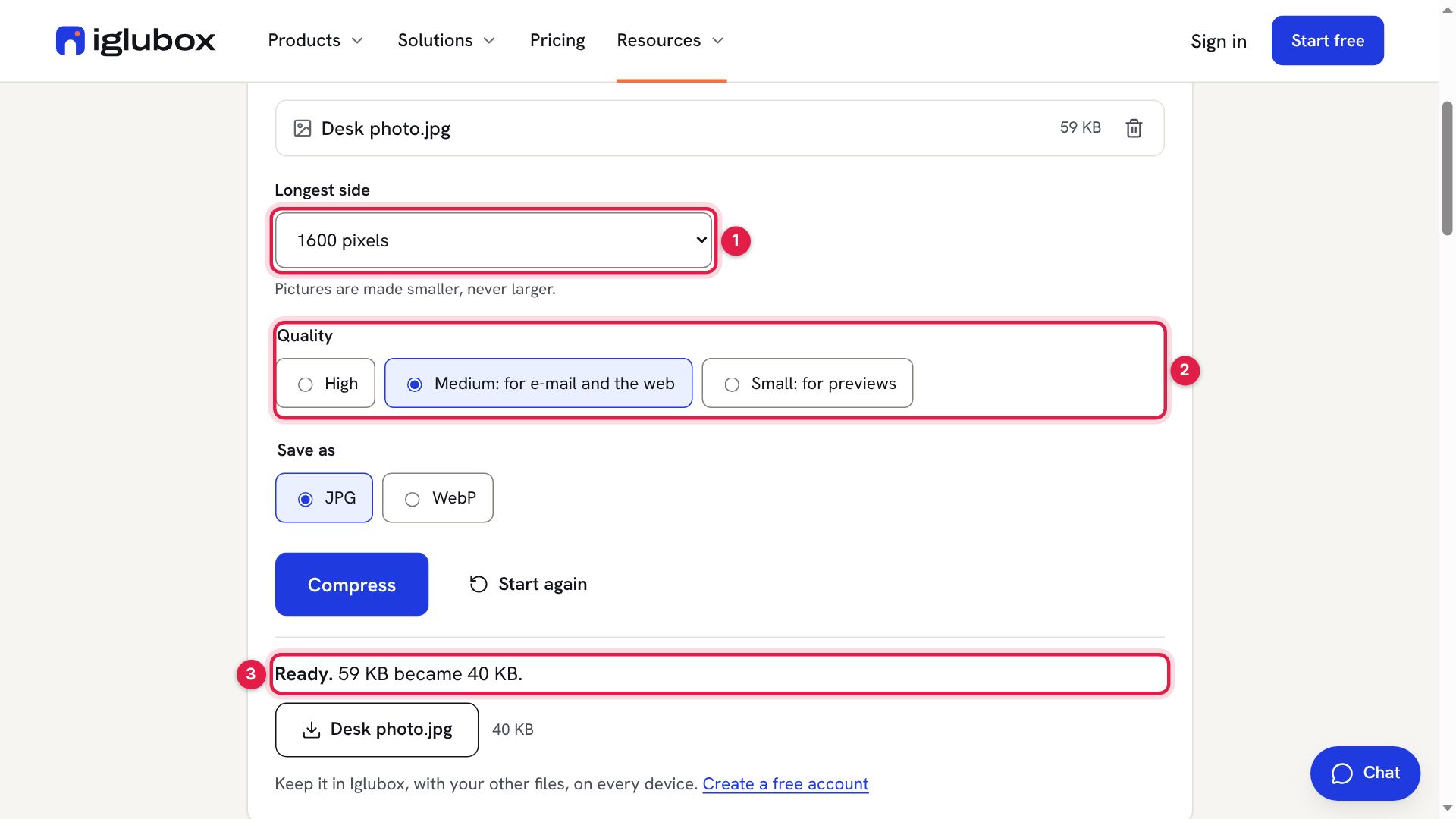
Compress images makes photos smaller for e-mail and the web: choose the longest side (1) and the quality (2), and see the size before and after (3). Convert images turns PNG, JPG and WebP pictures into each other. With several pictures, you get each one and a ZIP of them all.
The help center lists every tool: Free tools for PDF files and pictures.